4
Quick Start / Connection Diagram
Note: Only items listed in this manual's Box Contents section are included with this product. iPad, iPhone,
iPod touch, extra loudspeakers and subwoofers, microphones, mixer, cables, etc. are sold separately. Live
Drive app is available on the App Store.
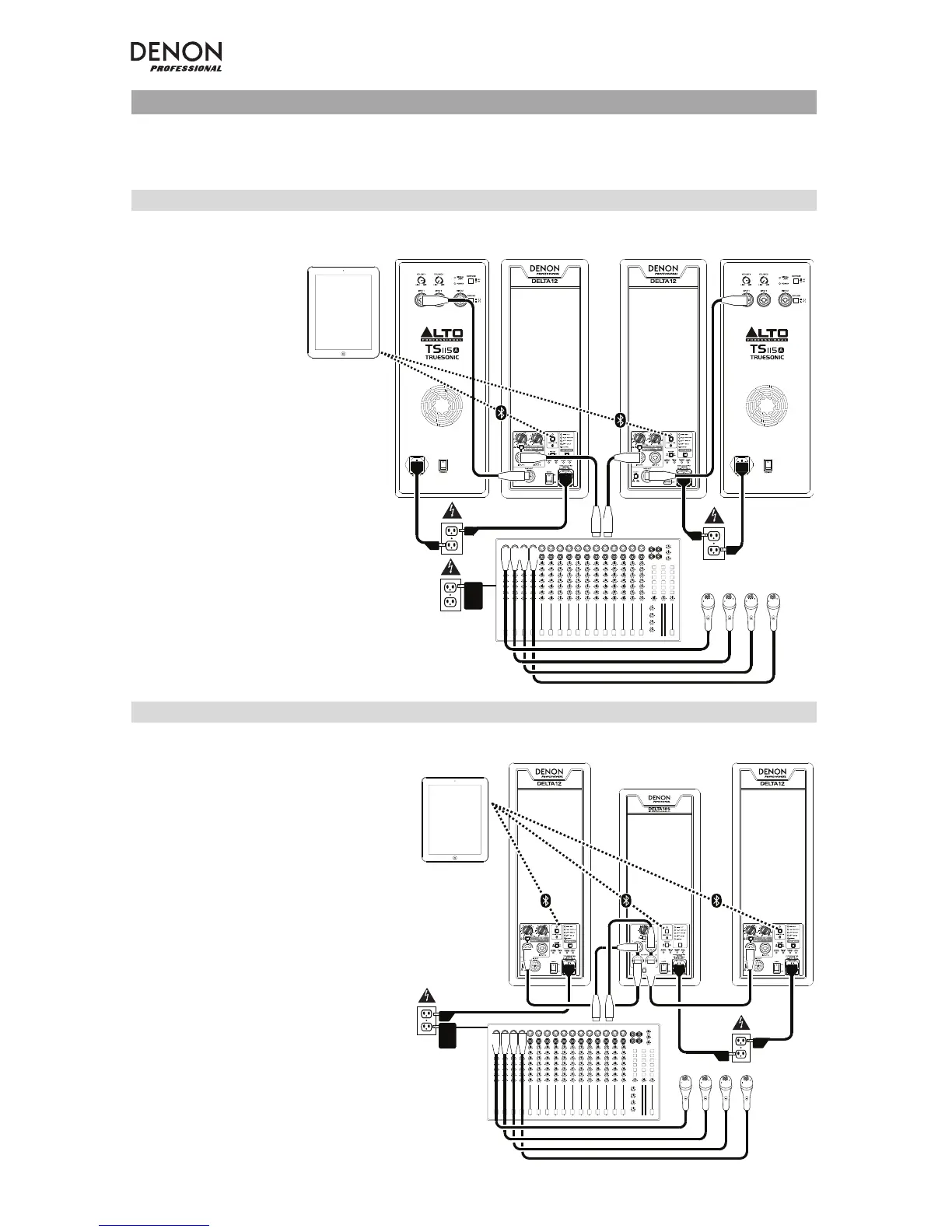
Example A: 4 loudspeakers (2 Delta Series, 2 extension)
12” POWERED LOUDSPEAKER 12” POWERED LOUDSPEAKER
Example B: 2 loudspeakers, 1 subwoofer
12” POWERED LOUDSPEAKER 12” POWERED LOUDSPEAKER
Microphones
Mixer
iPad, iPhone,
or iPod touch
Extension
loudspeaker
Extension
loudspeaker
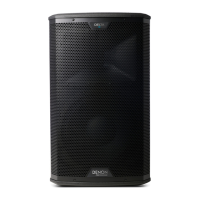
Delta 12
loudspeakers
Connect your mixer's main outputs
to your Delta Series loudspeakers'
inputs.
Connect each of your Delta Series
loudspeakers' outputs to the inputs
of your extension loudspeakers.
Microphones
Mixer
Subwoofer
Connect each of your mixer's
main outputs to an input on a
subwoofer.
Connect the high-pass output on
your subwoofer to the inputs of
the Delta Series loudspeakers,
using the subwoofer's
crossover.*
* For Delta Series subwoofers:
set the crossover in the Live
Drive app.
iPad, iPhone,
or iPod touch
Delta 12
loudspeaker
Delta 12
loudspeaker


 To Next Page