2 3
1. INTRODUCTION
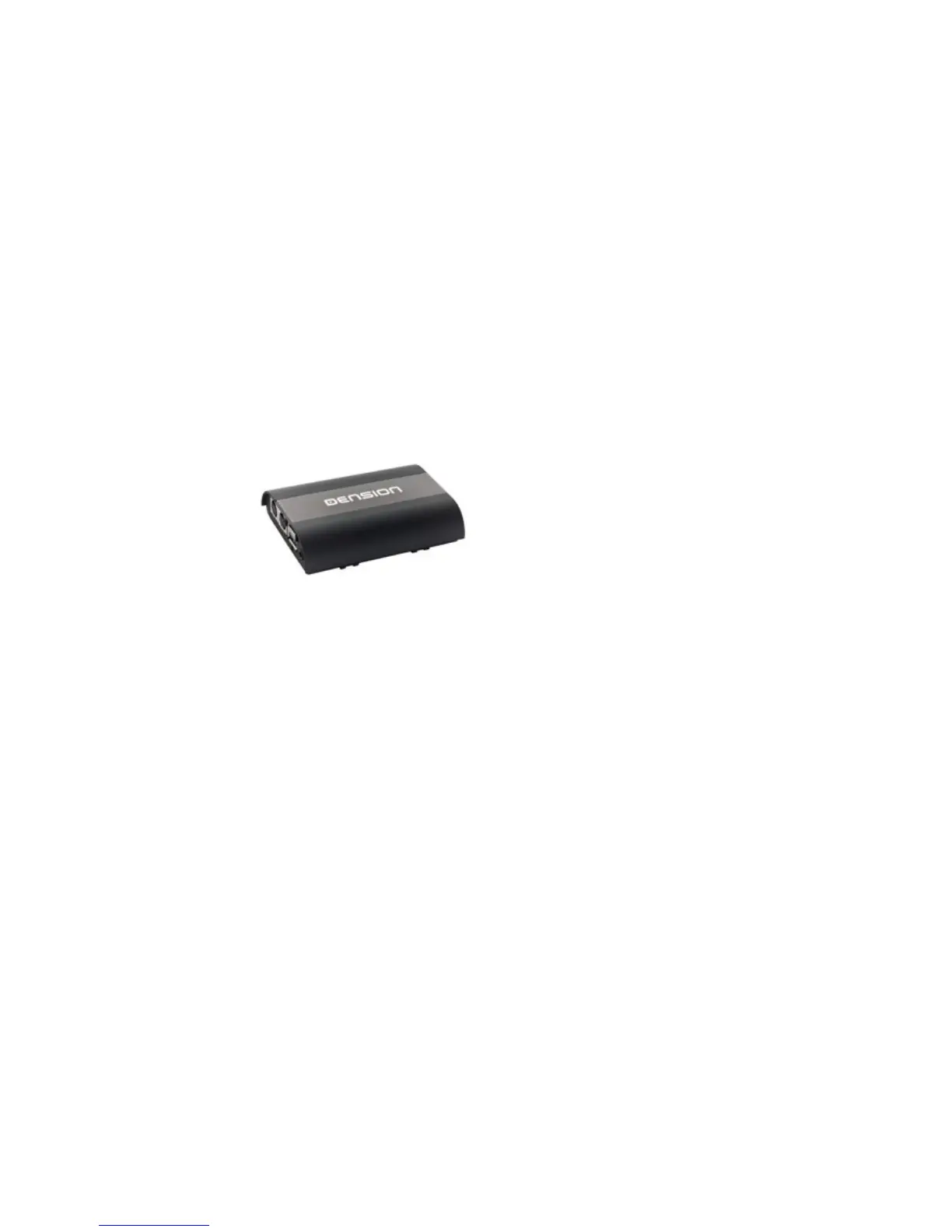
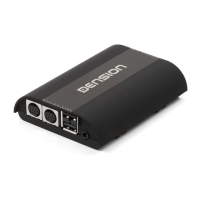
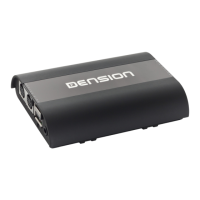
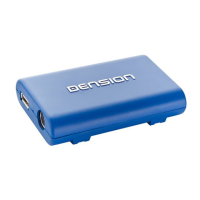
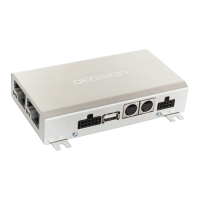
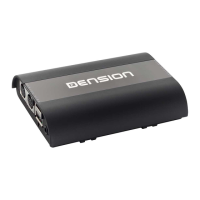
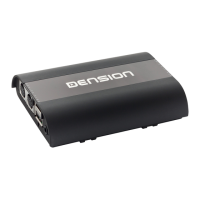
The Dension Gateway 500S BT lets you connect your USB flash drive, iPod
and iPhone to your original car radio, providing music playback and menu
based control through your vehicle’s entertainment system, using the
original controls of the car stereo.
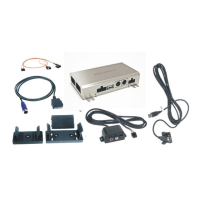
Package contents
► Gateway 500S BT device
► Power cable
► Connector port
► Optical cable kit (MOST™)
► Zip ties
► Microphone
The Gateway 500S BT also offers Bluetooth connectivity for A2DP music
streaming and hands free mobile call handling via the original buttons
and screens of your vehicle.
2. SUPPORTED AUDIO DEVICES
USB
► USB stick and external hard drive with one partition
► File system: FAT32
► Storage capacity: up to 320 GB music content
► Music format: MP3 and WAV
iPod and iPhone devices with the 30-pin connector
require the optional Dension “30-pin Dock cable”
(IPDC1GW)
► iPod (4th generation)
► iPod Nano (1st, 2nd, 3rd, 4th, 5th and 6th generations)
► iPod Mini
► iPod Photo 4G
► iPod Video 5G
► iPod Classic
► iPod Touch (1st, 2nd, 3rd and 4th generations)
► iPhone (3G, 4G)
iPod and iPhone devices with Lightning connector can
be used through Lightning-USB cable (not included)
Optional: If you want to keep the USB connector for flash drive and use
a Lightning based Apple device through the 9-pin iPod connector of the
Gateway, then you need the Dension Lightning adapter for Gateway
(LIA1GW0).
3. THE MAIN MENU
OF THE GATEWAY
Before you start, please check that your iPod or iPhone is up-to-date.
You can get the latest firmware updates via iTunes or the settings menu
on your device. If you use a USB device, please check the above mentioned
requirements.


 To Next Page