EasyManua.ls Logo

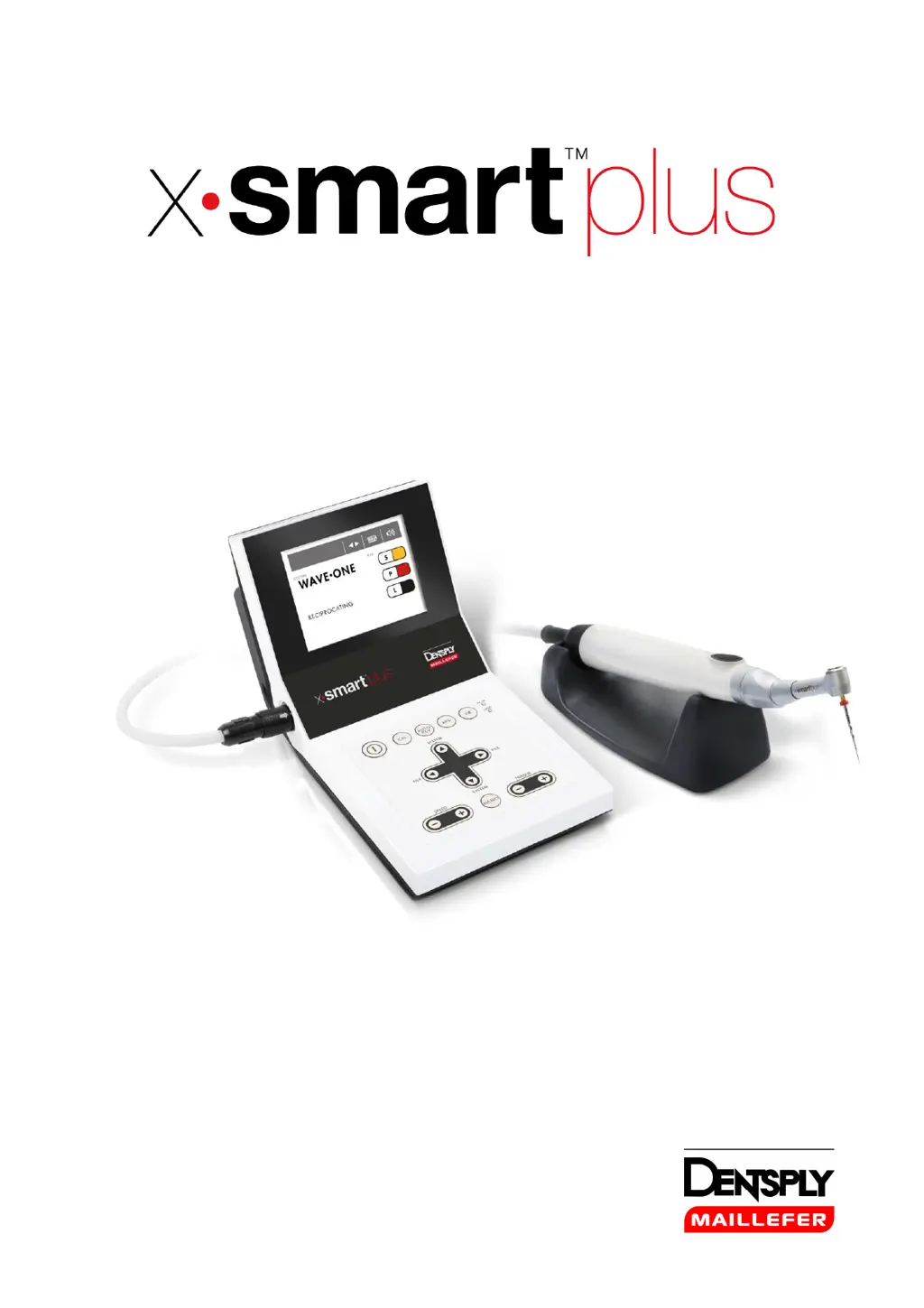
Dentsply Maillefer X-SMART Plus - User Manual

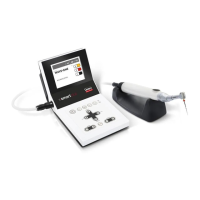
Dentsply Maillefer X-SMART Plus
209 pages
Print Icon
To Next Page IconTo Next Page
Loading...
USER MANUAL

Table of Contents

Questions and Answers

  • C
    christopher03Aug 15, 2025
    How to fix Dentsply Maillefer X-SMART Plus when the power is not turned on?
    • P
      Philip ClarkAug 15, 2025
      If the Dentsply Maillefer dental equipment power isn't turning on, first ensure the AC adapter is properly connected to both the device and a functioning outlet. If using battery power, ensure a charged battery is inserted. If the problem persists, the internal fuse may have burnt, and you should contact your distributor.
  • M
    medinashirleyAug 18, 2025
    Why AC-IN lamp does not light on Dentsply Maillefer X-SMART Plus Dental equipment?
    • D
      dylan77Aug 18, 2025
      If the AC-IN lamp on your Dentsply Maillefer dental equipment isn't lighting, begin by checking the AC adapter connection to both the device and the power outlet. If the connection is secure and the outlet has power, the internal or AC adapter fuse may be burnt. In this case, contact your distributor.
  • G
    George HernandezAug 21, 2025
    What to do if the motor handpiece does not rotate on Dentsply Maillefer X-SMART Plus Dental equipment?
    • C
      christina12Aug 21, 2025
      If the motor handpiece of your Dentsply Maillefer dental equipment doesn't rotate, first check that the motor handpiece cord is securely connected. If it is, the motor handpiece or cord may be damaged, requiring you to contact your distributor.
  • D
    donjohnsonAug 25, 2025
    Why the AC adapter does not work and the CHRG lamp does not light on Dentsply Maillefer X-SMART Plus Dental equipment?
    • B
      Bridget StoutAug 25, 2025
      If the AC adapter of your Dentsply Maillefer dental equipment isn't working and the CHRG lamp doesn't light, ensure a battery is inserted. If the battery is fully charged or near full charge, this is normal. If the battery temperature is low (less than 0°C or 32°F), warm it up before charging, being careful about moisture. If the battery is hot during normal use, contact your distributor. If an error code is displayed, consult chapter 8.
  • M
    Michael BowmanAug 27, 2025
    What to do if the motor handpiece does not rotate and the error code “E-01” is displayed on Dentsply Maillefer X-SMART Plus?
    • K
      Kevin BassAug 27, 2025
      If the motor handpiece of your Dentsply Maillefer dental equipment doesn't rotate and the error code “E-01” is displayed, the contra-angle may be clogged. Try cleaning or replacing it. If the problem persists, there might be a short circuit inside the motor handpiece or cord, and you should contact your distributor.
  • E
    Edward MeyerAug 30, 2025
    Why the motor handpiece does not rotate and the rotation speed are displayed alternately on Dentsply Maillefer Dental equipment?
    • M
      Madison LloydAug 30, 2025
      If the motor handpiece of your Dentsply Maillefer dental equipment doesn't rotate, and you see “ ” and the rotation speed displayed alternately, the contra-angle may be clogged. Try cleaning or replacing it. If that doesn't work, there might be a short circuit inside the motor handpiece or the cord, and you should contact your distributor.
  • H
    hardylisaSep 2, 2025
    What to do if when turning on the power the sound appears but the motor handpiece does not rotate on Dentsply Maillefer Dental equipment?
    • L
      Lisa WrightSep 2, 2025
      If the Dentsply Maillefer dental equipment makes a sound when turned on, but the motor handpiece doesn't rotate, check if the ON/OFF key was pressed during startup. If so, release it. If the issue persists, there may be a short circuit inside the ON/OFF key, and you should contact your distributor.
  • V
    victoria61Sep 5, 2025
    Why the motor handpiece keeps rotating on Dentsply Maillefer X-SMART Plus?
    • A
      Antonio HillSep 5, 2025
      If the motor handpiece keeps rotating on your Dentsply Maillefer dental equipment, it may be activated by the ON/OFF key. Stop the rotation by pressing the ON/OFF key.
  • C
    Chelsey GarciaSep 8, 2025
    How to fix continuous rotary file blocks in the root canal with Dentsply Maillefer Dental equipment?
    • R
      Rhonda MackSep 8, 2025
      If a continuous rotary file blocks in the root canal when using your Dentsply Maillefer dental equipment, it may be due to an incorrect file setting or too much pressure. Change the rotational direction using the REV key, start the motor, and carefully pull out the file.
  • C
    Christina McclainSep 12, 2025
    What to do if Reciprocating file blocks in the root canal with Dentsply Maillefer X-SMART Plus Dental equipment?
    • B
      Benjamin ShieldsSep 12, 2025
      If a reciprocating file blocks in the root canal when using your Dentsply Maillefer dental equipment, it might be due to excessive pressure or an unclean file. Try removing the file with pliers, gently pulling and rotating it clockwise.

Summary

Introduction and Safety

Indications for Use

Describes the intended medical use of the endo motor in dental procedures.

Contraindications

Lists conditions or situations where the device should not be used to ensure patient safety.

Warnings

Details critical safety hazards and precautions for device operation and handling.

Precautions

Outlines essential safety measures to prevent harm during device setup and use.

Adverse Reactions

Reports any known negative effects or side effects associated with the device's use.

Step-by-Step Instructions

Standard Components

Lists and identifies all parts supplied with the X-SMART™ Plus device.

Operation Panel

Explains the function of each button and indicator on the control unit's operation panel.

LCD Panel

Details the information shown on the device's LCD screen and its icons.

Installation

Provides instructions for connecting the AC adapter, handpiece, and contra-angle.

Operation

Covers turning the unit on/off, handpiece operation, and auto reverse functions.

Maintenance

Outlines essential care, cleaning, and sterilization steps for the device.

Technical Specifications

Classifications of Equipment

Details the device's electrical safety classifications and protection against water ingress.

Product Main Specifications

Provides key performance parameters like torque, speed range, charging time, and dimensions.

Error Handling and Troubleshooting

Error Code Reference

Lists error codes, their causes, and suggested remedies for device malfunctions.

Troubleshooting Guide

Offers solutions for common operational problems with the control unit and handpiece.

Warranty, Disposal, and Symbols

Warranty Information

Specifies the warranty period and terms for the X-SMART™ Plus and its components.

Disposal of the Product

Instructs on the proper recycling and disposal methods for the device and its parts.

Identification of Symbols

Explains the meaning of various symbols used on the device and in the manual.

Program Configuration

Individual Continuous Rotary Program

Details how to set up and manage custom programs for continuous rotary file systems.

Appendix: EMC Information

Electromagnetic Emissions and Immunity

Provides guidance on electromagnetic compatibility and environmental considerations.

Dentsply Maillefer X-SMART Plus Specifications

General IconGeneral
ManufacturerDentsply Maillefer
AutoreverseYes
Apex Locator ConnectionYes
DisplayLCD
TypeEndodontic Motor
BatteryLithium-ion
Charging Time2 hours
Autoclave CompatibilityContra-angle handpiece is autoclavable

Related product manuals