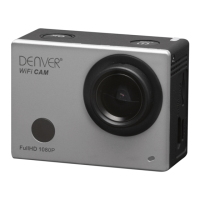
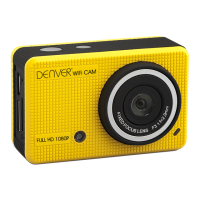
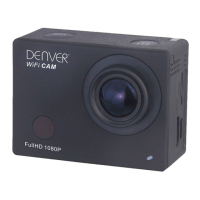
_
ENG 04
_
2.How to use the memory card
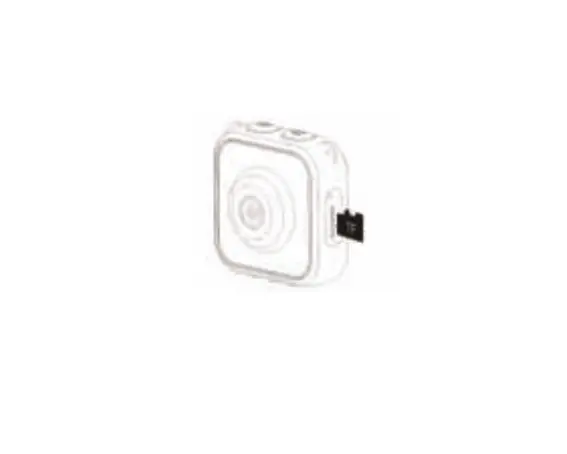
2.1. Properly insert the TF card into the card holder as per the instructions indicated near the card holder.
2.2.
To remove the TF card, press the end of memory card gently, the card will be ejected.
Note: The camera is not equipped with built-in memory. Please insert memory card before using.
Before
using the camera,
it is a must to format the memory card on the camera.


 To Next Page