ENG-2
2. Pairing
To synchronize data between the watch and your mobile phone,
install “Denver Smart Life” app to connect the watch to your
mobile phone.
2.1 Install the app
Search and install “Denver Smart Life” app from Google Play or
App store. Or scan the following QR code to install the app
directly.
for Android for iOS
2.2 Connect the watch to your mobile phone
1 .Enable Bluetooth on your smart phone.
2. Launch “Denver Smart Life” on your smart phone, set your
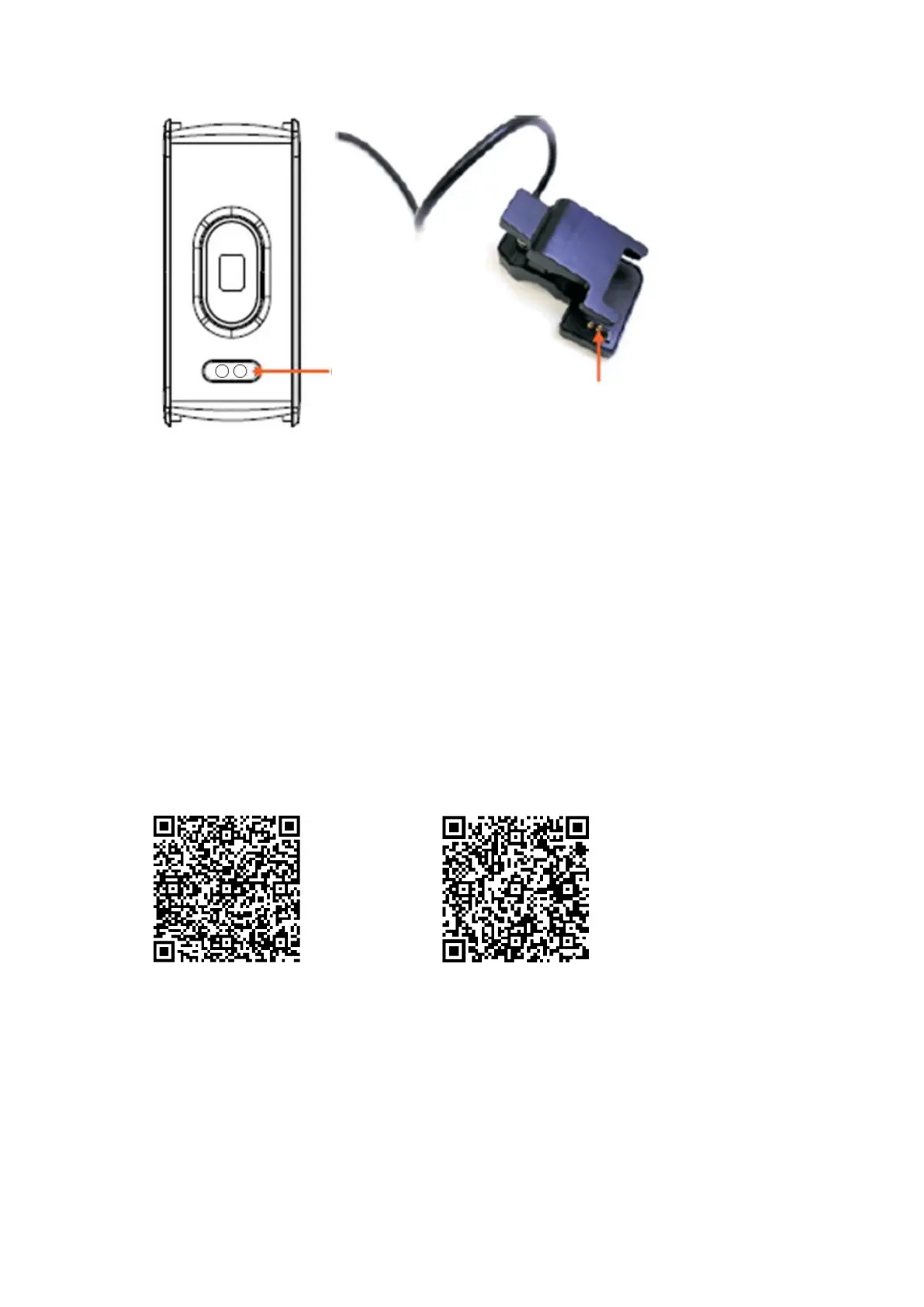
Charging plate
Charging pins


 To Next Page