Need help?
Do you have a question about the Denver BFH-13 and is the answer not in the manual?
Details on switching between display modes like Time, Heart rate, Step, Distance, and Calories.
Information on how the device displays incoming call, message, alarm, and sedentary reminders.
 General
| Quantity per master (outer) case | 20 pc(s) |
|---|---|
| Quantity per intermodal container (20ft) | 51788 pc(s) |
| Quantity per intermodal container (40ft, HC) | 135446 pc(s) |
| Charger | Yes |
| Connectivity technology | Wireless |
| Wi-Fi | No |
| Bluetooth version | 4.0 |
| USB connector type | Micro-USB |
| Stairs climbed | - |
| Battery life | 10 day(s) |
| Charging source | USB |
| Battery capacity | 90 mAh |
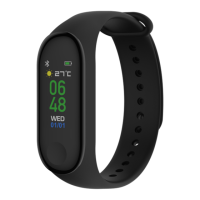
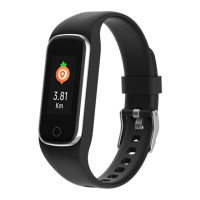
| Device type | Wristband activity tracker |
| Control type | Buttons |
| Product color | Black, Lime |
| International Protection (IP) code | IP68 |
| Mobile operating systems supported | Android, iOS |
| Display type | OLED |
| Display diagonal | 0.96 \ |
 Weight and Dimensions
| Depth | 220 mm |
|---|---|
| Width | 22 mm |
| Height | 12 mm |
| Weight | 80 g |
| Package depth | 85 mm |
| Package width | 31 mm |
| Package height | 157 mm |

 To Next Page