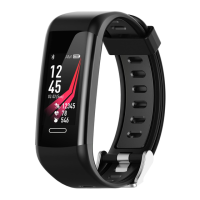
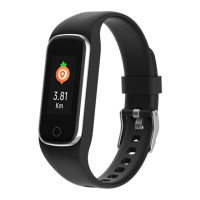
ENG-3
5. How to use
Once the device connected to the app successfully, it will sync
your activities and sleep data automatically, please press the
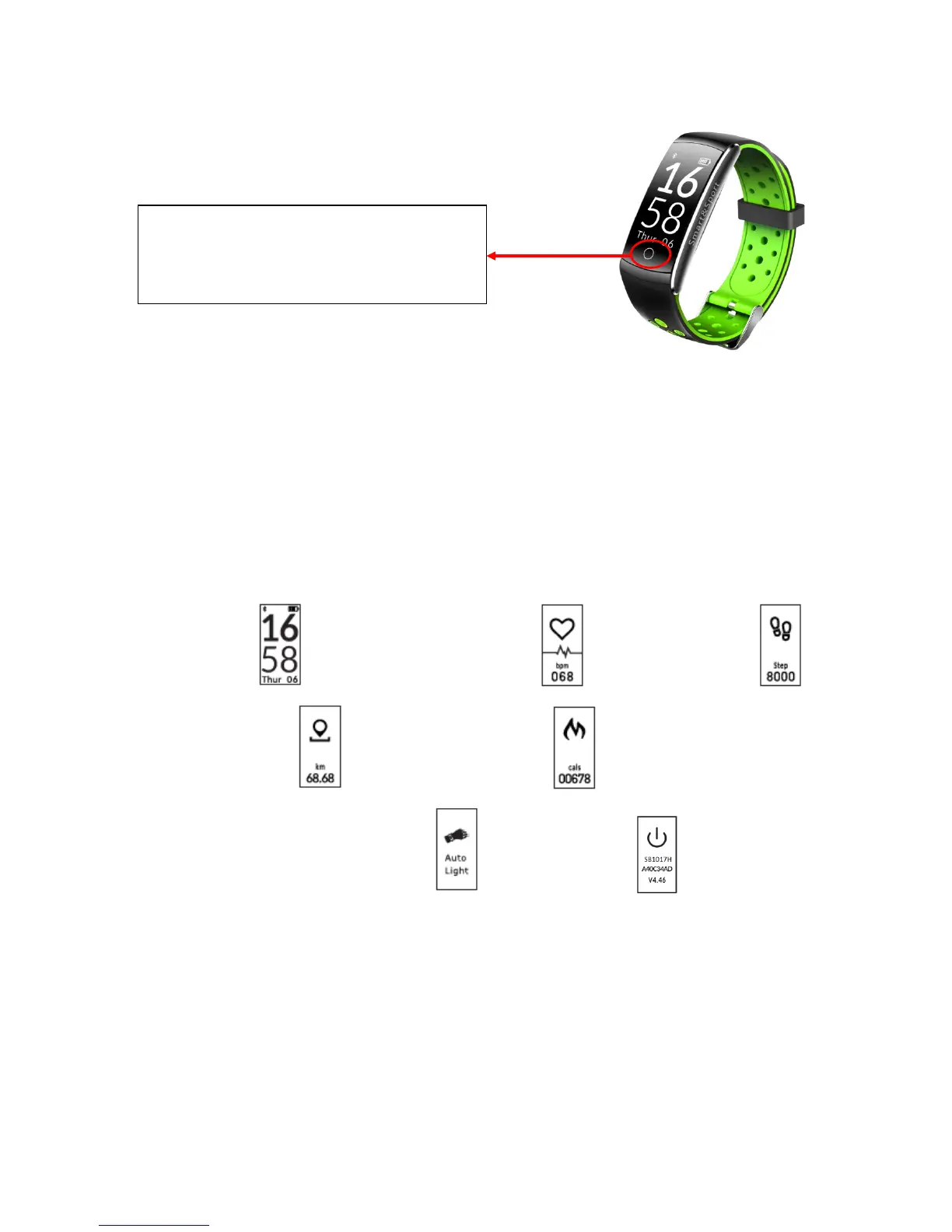
touch area on the device to switch into different display modes as
following:
5.1 Normal Mode
Time Mode --> Heart rate Mode --> Step Mode -->
Distance Mode --> Calories Mode -->
Smart activate screen Mode --> Power off
Note: Alarm mode will only display on the device after switch
turn ON in the APP.
Reset to factory default: Long press touch area around 10 seconds
on Power off menu.


 To Next Page