Press VOL+ /
I
for Volume up.
Hold VOL+ /
I
for Next USB Drive Song.
Press VOL- /
I
for Volume down.
Hold VOL- /
I
for Previous USB Drive Song.
d.
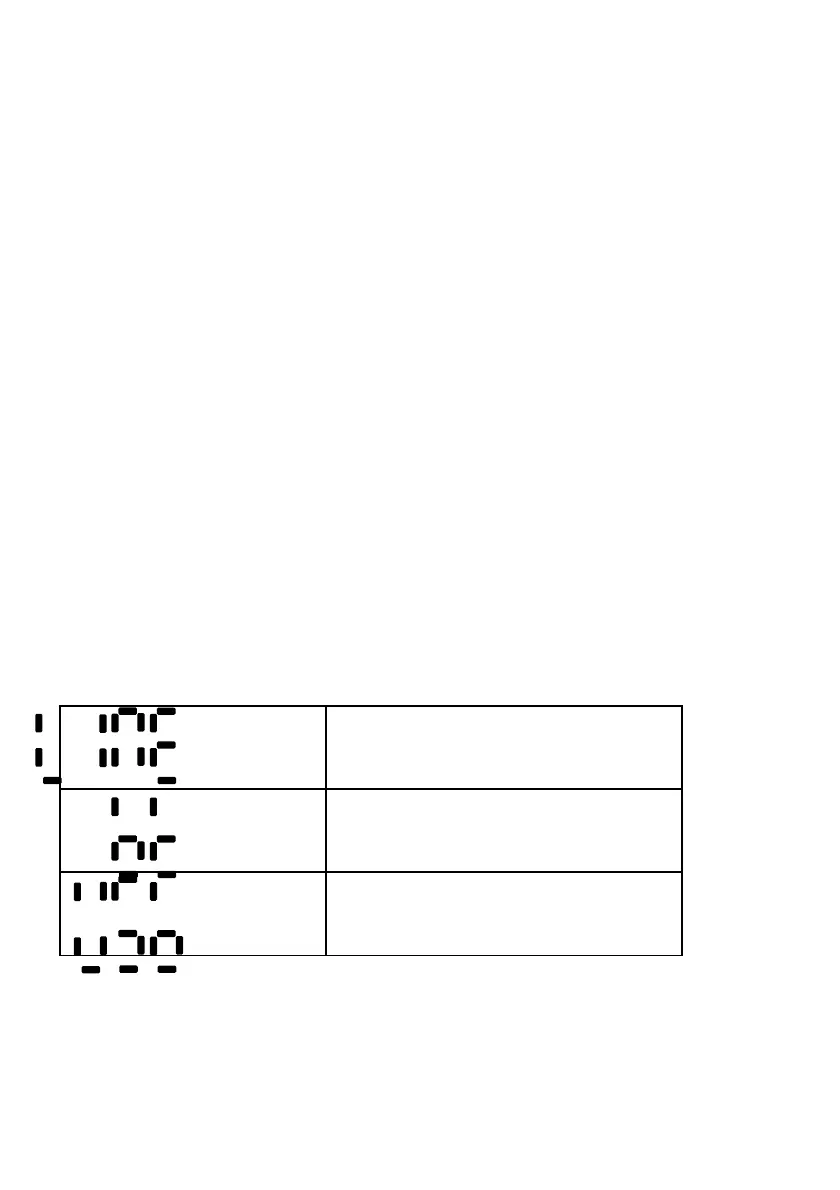
Front LED Display showing the different input modes
Line In
Bluetooth
USB drive when USB Drive in (no USB drive
will flash Lod and skip to next mode in
seconds)
Front indicator Lights:
Red dot: Soundbar in standby
bt font: Flashing means Bluetooth is waiting to pair with your Bluetooth enabled device.
bt lit and static means a Bluetooth device is paired.



 To Next Page