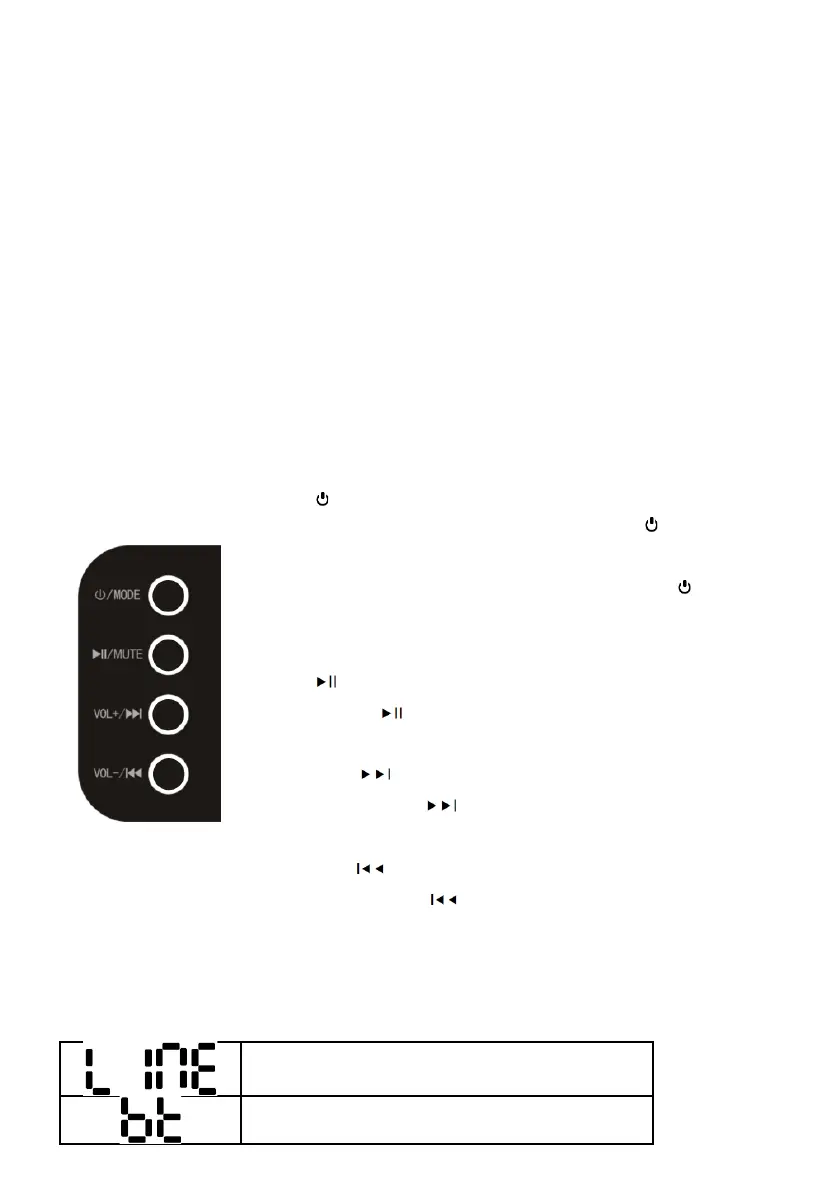
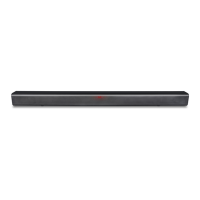
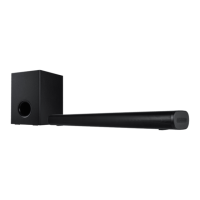
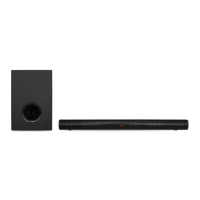
c. The control panel on the Soundbar
Press the /MODE button to switch the Soundbar on or to standby.
When the LINE IN jack is plugged in, press and hold the /MODE button to
toggle the sources: Line In -> Bluetooth -> USB Drive.
When the LINE IN jack is not plugged in, press and hold the /MODE button to
toggle the sources: Bluetooth -> USB Drive -> HDMI-ARC -> Optical In.
Press the / MUTE button to start or pause play.
Press and hold the / MUTE button to mute or restore volume.
Press the VOL+/ button to increase volume.
Press and hold the VOL+/ button to skip to next audio file during USB play.
Press the VOL-/ button to decrease volume.
Press and hold the VOL-/ button to skip to previous audio file during USB
play.
d.
Source selection shown on the LED display
Line In source
Bluetooth source



 To Next Page