After power on, the machine directly enters Bluetooth mode, and
waiting for bluetooth pairing.
1) Use the phone to search for Bluetooth unit and select Denver
DSS-7030 on the list.
2) If the phone asks you to enter password, enter “0000”.
⚫ For other inputs, short push the power button to change
between sources, or use the remote control.
Specifications
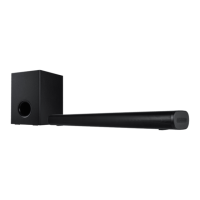
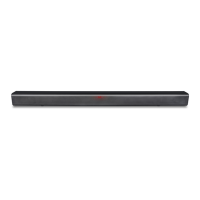
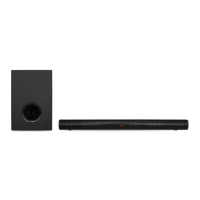
Soundbar, Subwoofer, Remote
control, AC/DC adapter, 3.5mm to
RCA cable, User manual,
Wall-mounted bracket and screws


 To Next Page