EasyManua.ls Logo

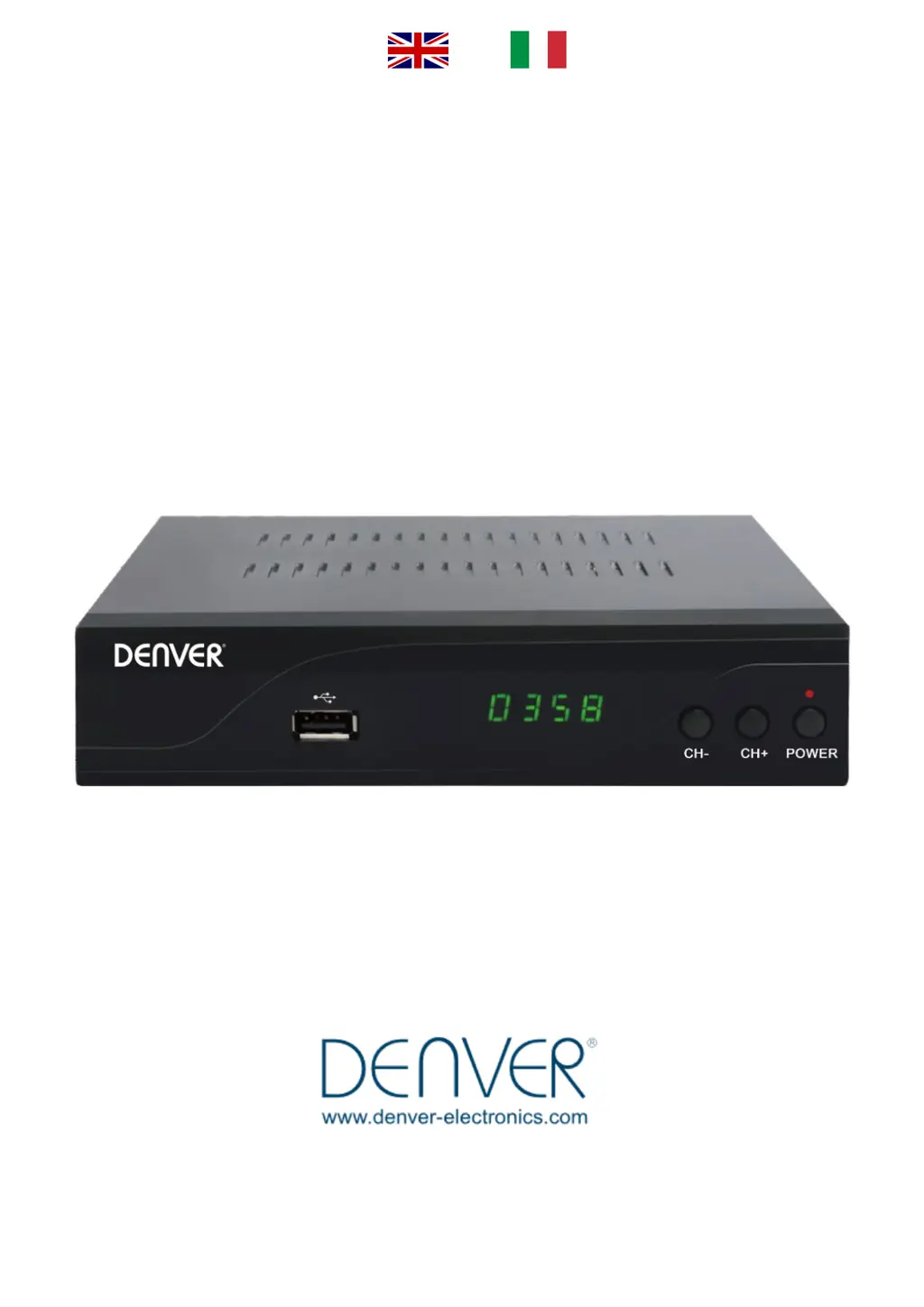
Denver DVBC-120 HD MK4 - User Manual

Denver DVBC-120 HD MK4
15 pages
Go to English
Print Icon
To Next Page IconTo Next Page
Loading...
Man
uel d’utilisation du décodeur
DENVER
DVBC
- 120 HD MK4

Questions and Answers

  • P
    pruittangelicaAug 5, 2025
    What to do if there is no picture or sound on my Denver DVBC-120 HD MK4 Receiver?
    • A
      anthony83Aug 5, 2025
      If you're experiencing a lack of picture or sound, ensure that the HDMI or SCART cable is correctly connected to both your Denver Receiver and the TV. Also, verify that the antenna cable is securely connected to both the wall and the Denver Receiver.
  • M
    michael86Aug 13, 2025
    Why is my Denver DVBC-120 HD MK4 remote control not working?
    • M
      Michelle HumphreyAug 13, 2025
      If the remote control isn't working, first, check that the batteries are correctly inserted. If they are, the batteries may be exhausted, so replace them with new ones.
  • W
    wilsonbillyAug 19, 2025
    How to fix a black screen on some channels with my Denver DVBC-120 HD MK4?
    • M
      melissa25Aug 20, 2025
      If you're seeing a black screen on some channels, perform a channel scan. Press the MENU button on the Denver remote, go to the “Installation” Menu, select “Search networks”, make sure that Provider is set to Monaco Telecom and Network ID is 44100. Press “Search” to complete the process.
  • I
    Ian SmithAug 28, 2025
    What to do if the LED display on my Denver DVBC-120 HD MK4 does not light up?
    • L
      Lauren ReedAug 28, 2025
      If the LED display on the front panel isn't lighting up, check if the power cord is properly plugged into the wall outlet.

Summary

Remote Control Operation

Main Remote Functions

Explains the primary buttons and their operations for basic device control, such as power, volume, and channel selection.

Secondary Remote Functions

Details additional buttons for advanced features like playback, recording, and navigating menus or lists.

Device Installation and Configuration

Front Panel Overview

Describes the controls, display, and ports on the front of the decoder.

Rear Panel Connections

Details the input/output ports on the rear of the decoder for external devices.

Connection Procedure

Step-by-step instructions for connecting the decoder to power and the television.

Denver DVBC-120 HD MK4 Specifications

General IconGeneral
BrandDenver
ModelDVBC-120 HD MK4
CategoryReceiver
LanguageEnglish

Related product manuals