31/12/06 16:00
Move Move
Exit
Edit
MANUAL SCAN
Strength 99%
Quality 46%
Channel N0.
CH
- 45
Bandwidth 8MHz
Frequency
666.000
Scan
Ok
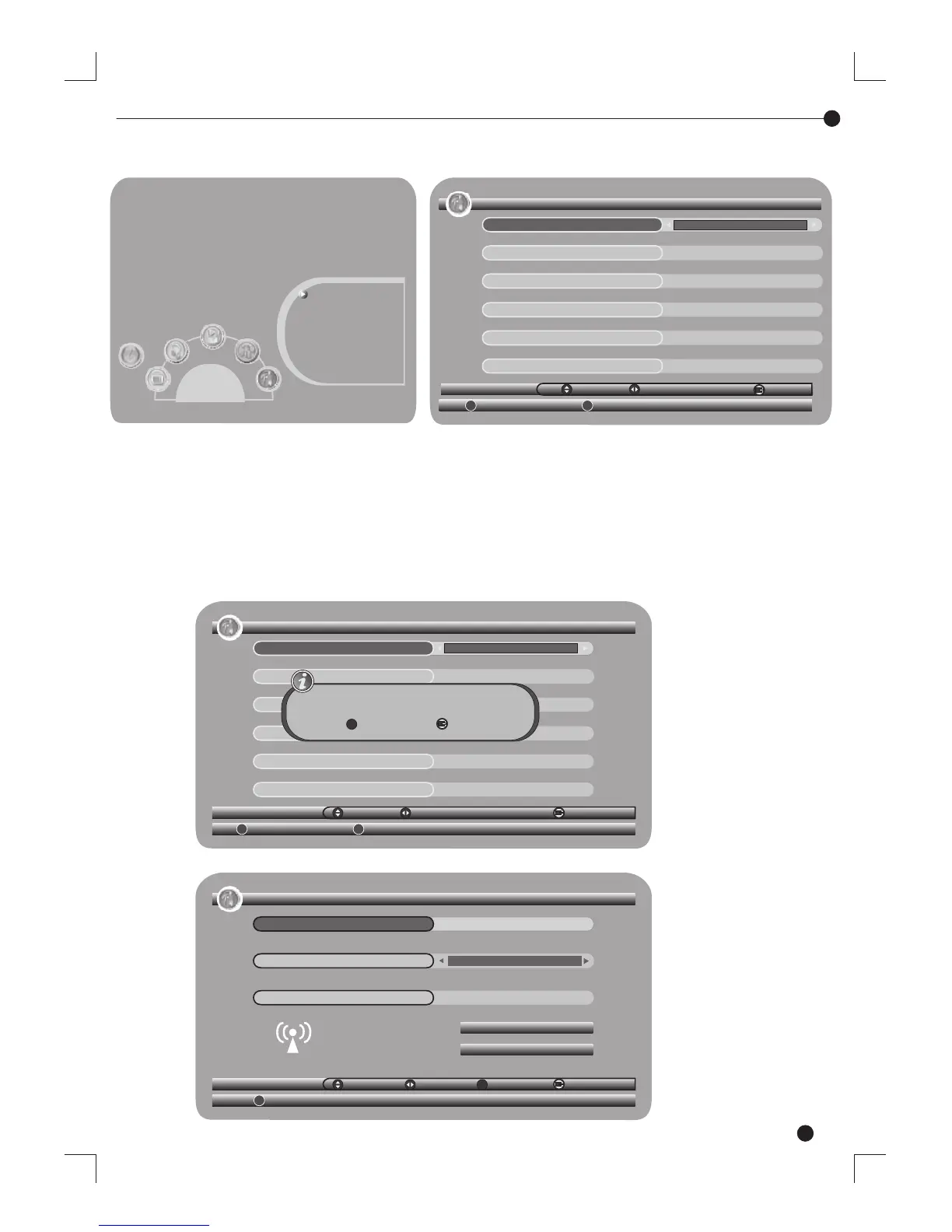
Manual Scan Page
Clear database message
SETUP-Installation
Antenna Setting
OFF
31/12/08 16:01
Country Setting
Englend
OSD Language
English
Andio Language
English
Subtitle Language
English
LCN
ON
Move
Swicth
Exit
Auto Scan Manual Scan
Dstabase will be cleared Continue?
YES
Exit
Ok
How to receive the programs: Scan the possible frequency and bandwidth to
receive the programs.
Auto Scan: Auto Scan will erase the database first, and scans default frequency
and bandwidth by Country Setting.
(1) Press <RED> button to be confirmed to clear the database.
(2) Press <OK> button to confirm the database will be cleared and start Auto Scan.
It costs time to do Auto Scan, user can press <exit> to exit at anytime.
Setting Language: User can select a preferred language among various
languages at Installation page. If there is no database (scan result) in the STB.
Quickly Scan
Installation Page
SETUP-Installation
Antenna Setting
OFF
Country Setting
Englend
OSD Language
English
Andio Language English
Subtitle Language
English
LCN
ON
Move
Swicth
31/12/08 16:01
Exit
Auto Scan Manual Scan
Main Menu, SETUP
SETUP
Installation
TV Setup
Password
Advance Timer
SW Update
Set Default
3


 To Next Page
 Loading...