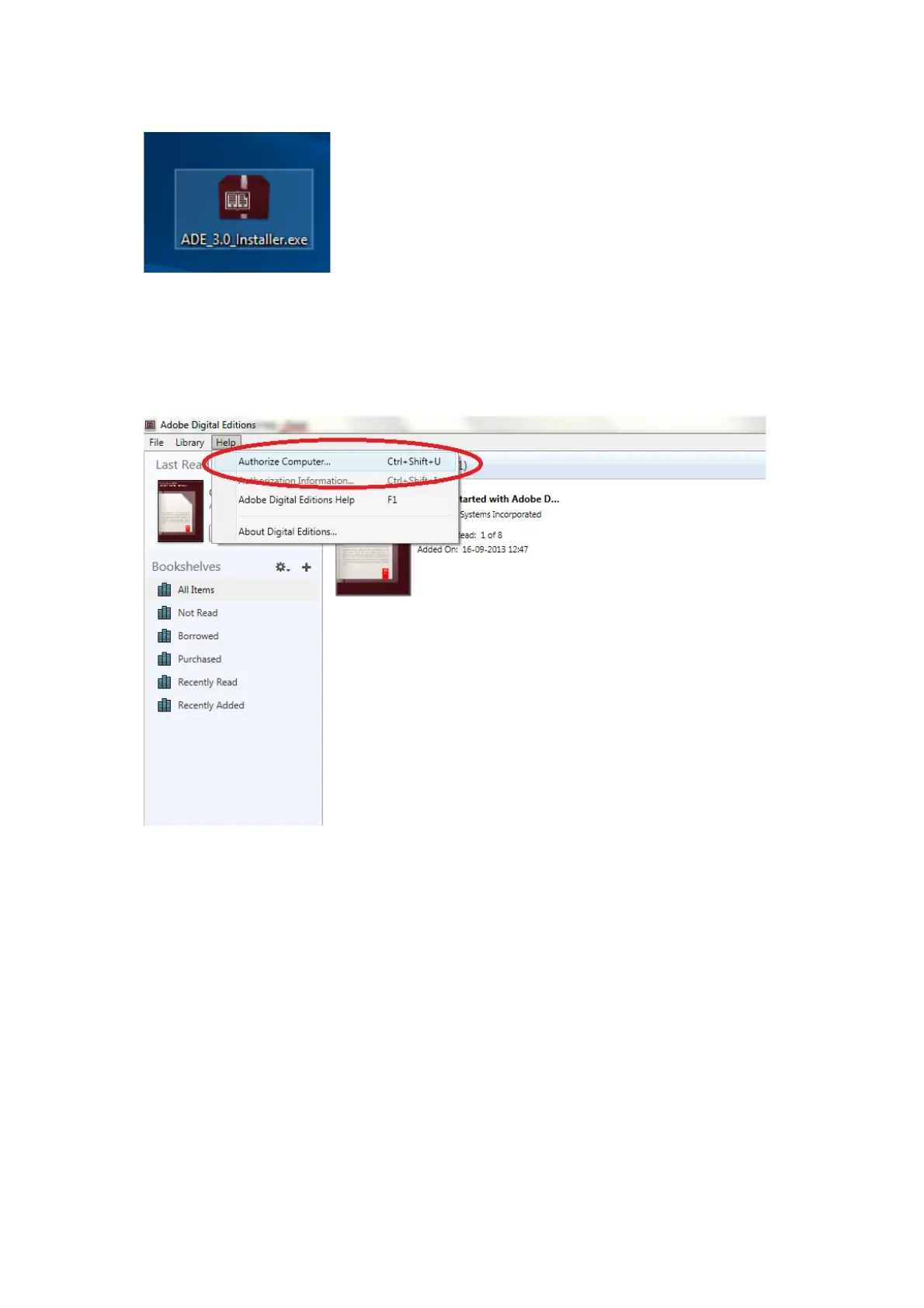
3. When the installation has been completed you will have a shortcut for Adobe Digital Editions on
your desk top. Double click on the icon to open the program.
4. Authorize Adobe ID
5. Open Adobe Digital Editions and click "Help" and choose "Authorize Computer"
6. If you already have ADOBE ID. You just need to fill out user name and password. If you
don’t have this then you can create this by choosing. "Create an Adobe ID".
7. Click on “Authorize” when you have entered the required information.



 To Next Page