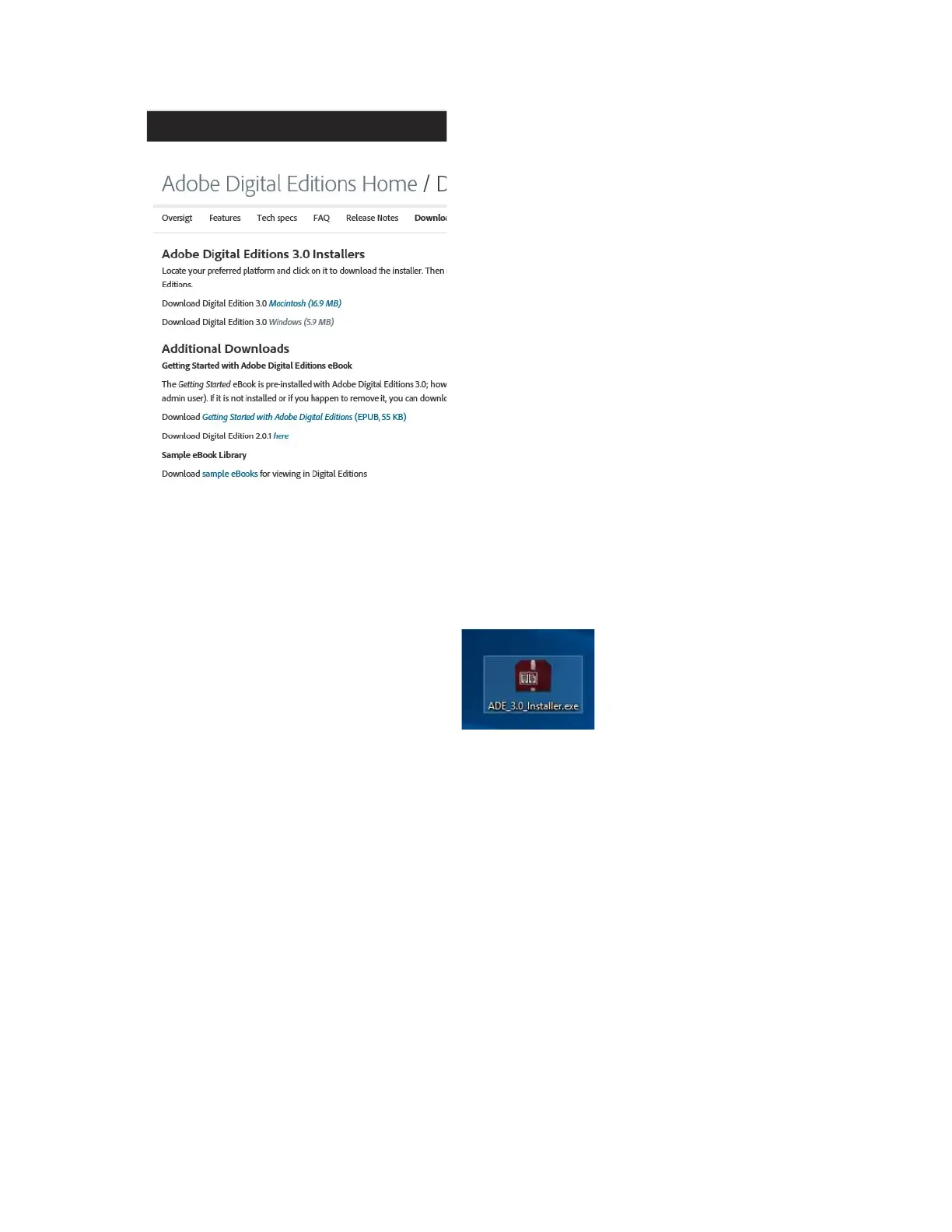
Choose if you want to download for Windows or Macintosh.
1. Now you download the install file to your PC/Mac. Please make sure to save it a place you can find again.
(Eg. in "Downloads" or on "Desktop")
2. Double click on the installation file to start the installation of Adobe Digital Editions.
3. When the installation has been completed you will have a shortcut for Adobe Digital Editions on
your desk top. Double click on the icon to open the program.
4. Authorize Adobe ID
5. Open Adobe Digital Editions and click "Help" and choose "Authorize Computer"
ENG-6


 To Next Page