ENG-2
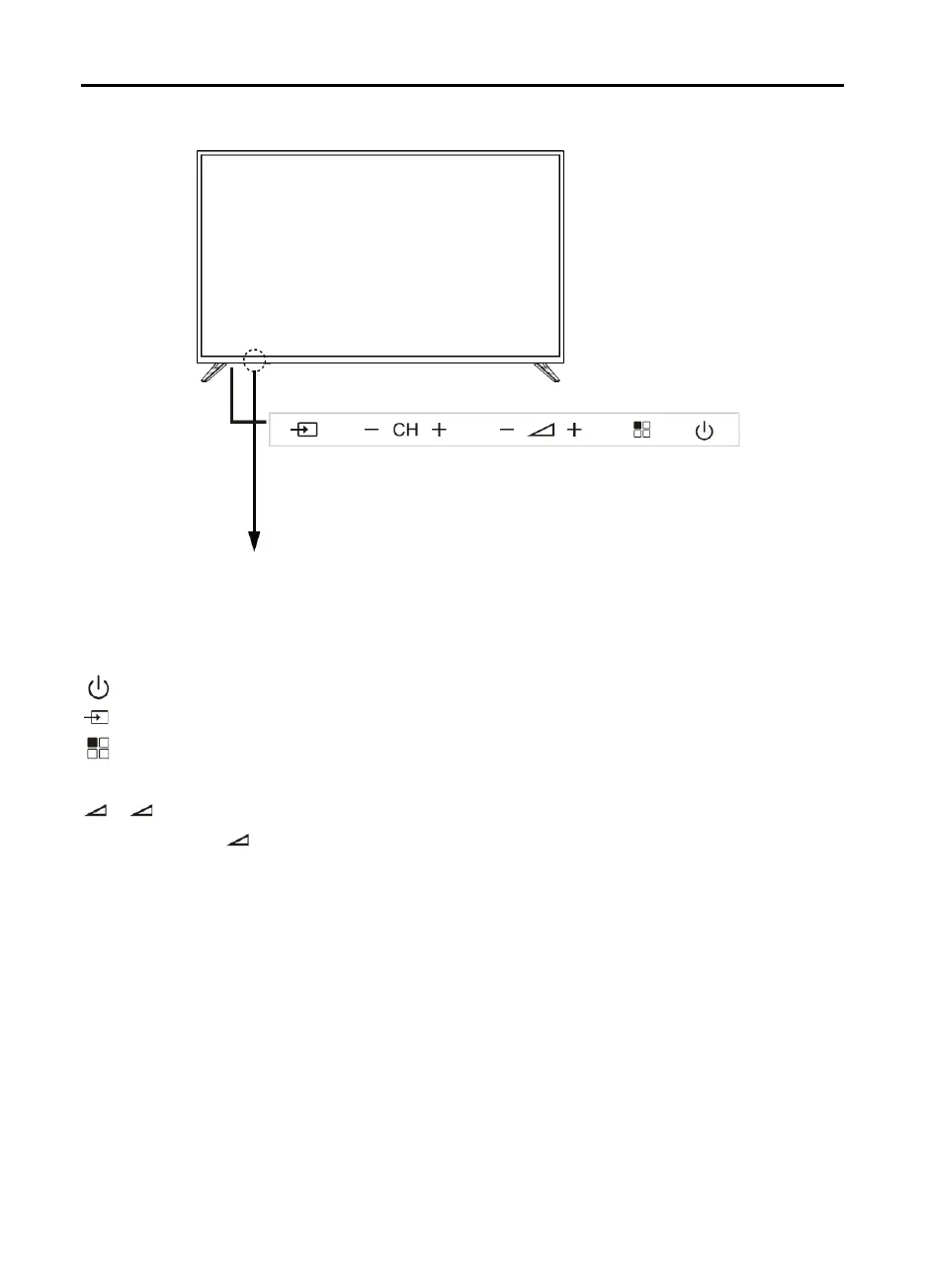
Front View
Button assignments
(standby):
Switch the TV on or to standby.
(source):
Press to select a source.
(
menu
): Press to display the OSD menu; press again to exit the menu.
CH+/CH-:
Press to scan through channels;
move down/up in the OSD menu screen.
+
/
-
(volume up or down):
Press to adjust the volume;
move left/right in the OSD
menu screen; the
+ (volume up)
button can be used to skip to a next menu.



 To Next Page