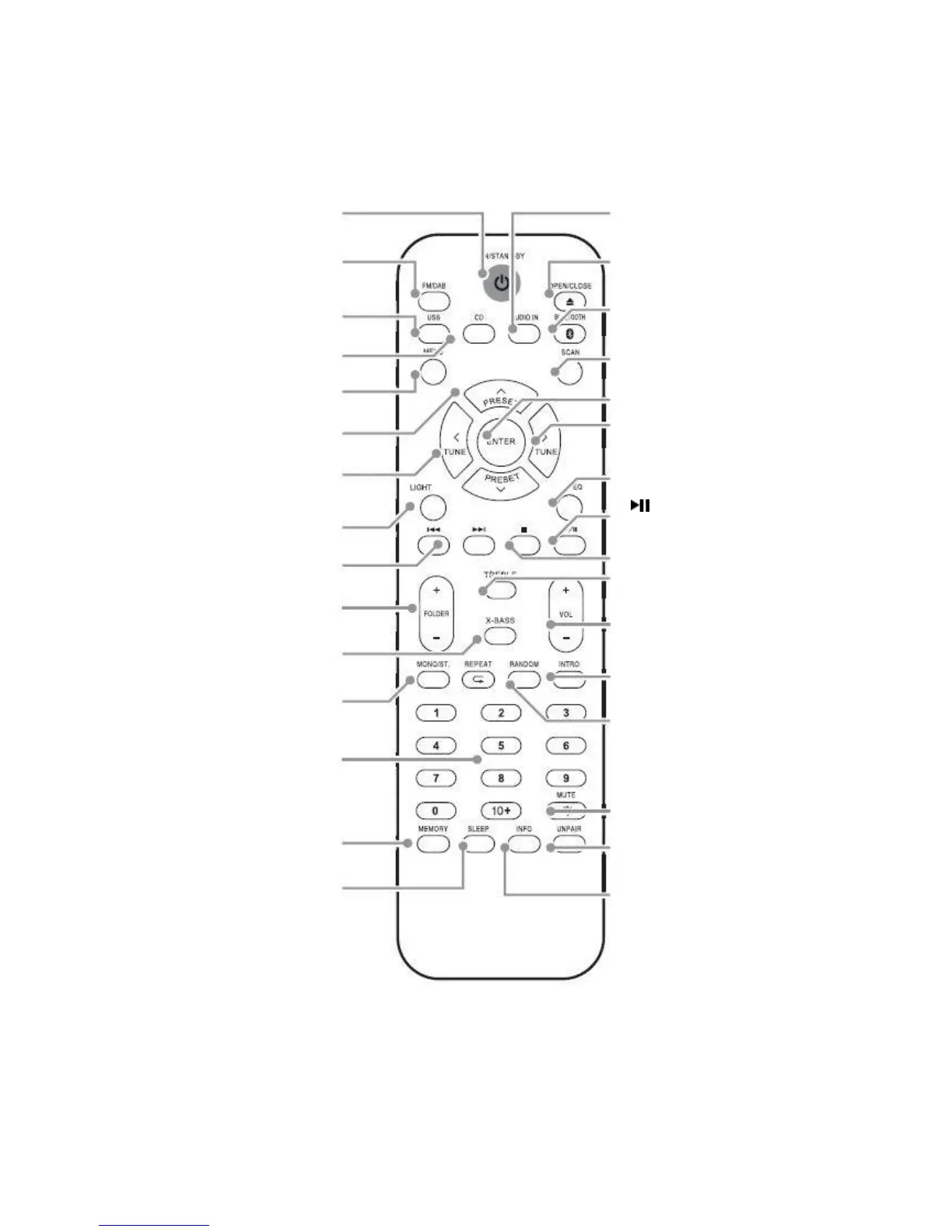
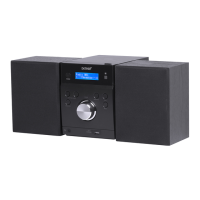
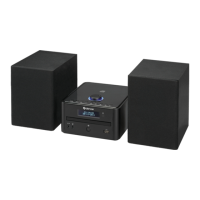
audio in mode
OPEN/CLOSE: Press to eject or
close the disc compartment
BLUETOOTH: Press to enable
Bluetooth mode
SCAN: Press to perform a station
scan FM/DAB
ENTER: Press select menu options
> TUNE: Tune up and menu
navigation button
EQ: Press to cycle EQ sound modes
PALY/PAUSE: Press for play, pause
functions
■ STOP: Press to stop playback
TREBLE: Press enable BASS&
TREBLE adjustments
VOLUME +/- : Press + to increase
and - to decrease the volume level
INTRO: Press to playback the first 10
seconds off all tracks on a CD
RANDOM: Press to playback CD
tracks in a random order
MUTE: Press to mute audio
playback
UNPAIR: Press and hold to unpair a
connected Bluetooth device
INFO: Press in DAB mode to display
information


 To Next Page