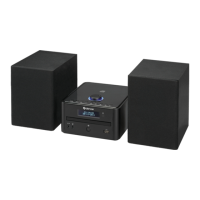
ENG-8
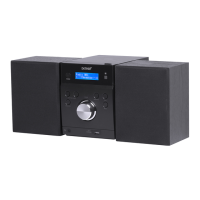
NFC: When enabled on the transmitting audio device; all that is required is for you to touch
the NFC logo on the front of the micro system with the NFC hotspot on your compatible
audio device. Enable NFC on your audio device (such as a mobile phone). Touch the NFC
hot spot on your audio device to the NFC logo on the front of the micro system. You may
need to move the device around slightly to hit the exact contact point. When the connection
is made, a melody is played and the ‘BT-LINK’ text on the display will stop flashing and the
device will be automatically connected.
To remove a paired device using the micro system, press and hold the UNPAIR/ENTER
button on the micro system or press the UNPAIR button on the remote the ‘BT LINK’ text will
begin flashing again.
AUX
Aux-In: Use a 3.5mm audio cable to connect external media/audio players to the AUDIO IN
socket on the rear. Press SOURCE repeatedly to switch to AUX mode. Operate the
playback on your external device. If using the headphone out, set it to about 70% volume, to
avoid hum. Adjust the output volume on the MC-5230DAB+, then.
Display Illumination
When the unit is standby mode the backlight will dim after 10 seconds. Press the LIGHT button on
the remote control to illuminate the backlight for 10 seconds.
System Settings
The system settings (TIME/DATE, AUTO UPDATE, FACTORY RESET), are accessible through the
MENU button: Press MENU(RC: hold), then scroll through the list, using the arrow buttons. Press
ENTER to enter sub menues or confirm any change. Use the arrow buttons to adjust values.
Factory Reset
To reset the device to factory presets, press MENU and use the arrow buttons to select the
SYSTEM sub menu. Scroll through to SYSTEM RESET with the arrow buttons, then press ENTER.
Please note: All station presets and changes will be deleted.


 To Next Page