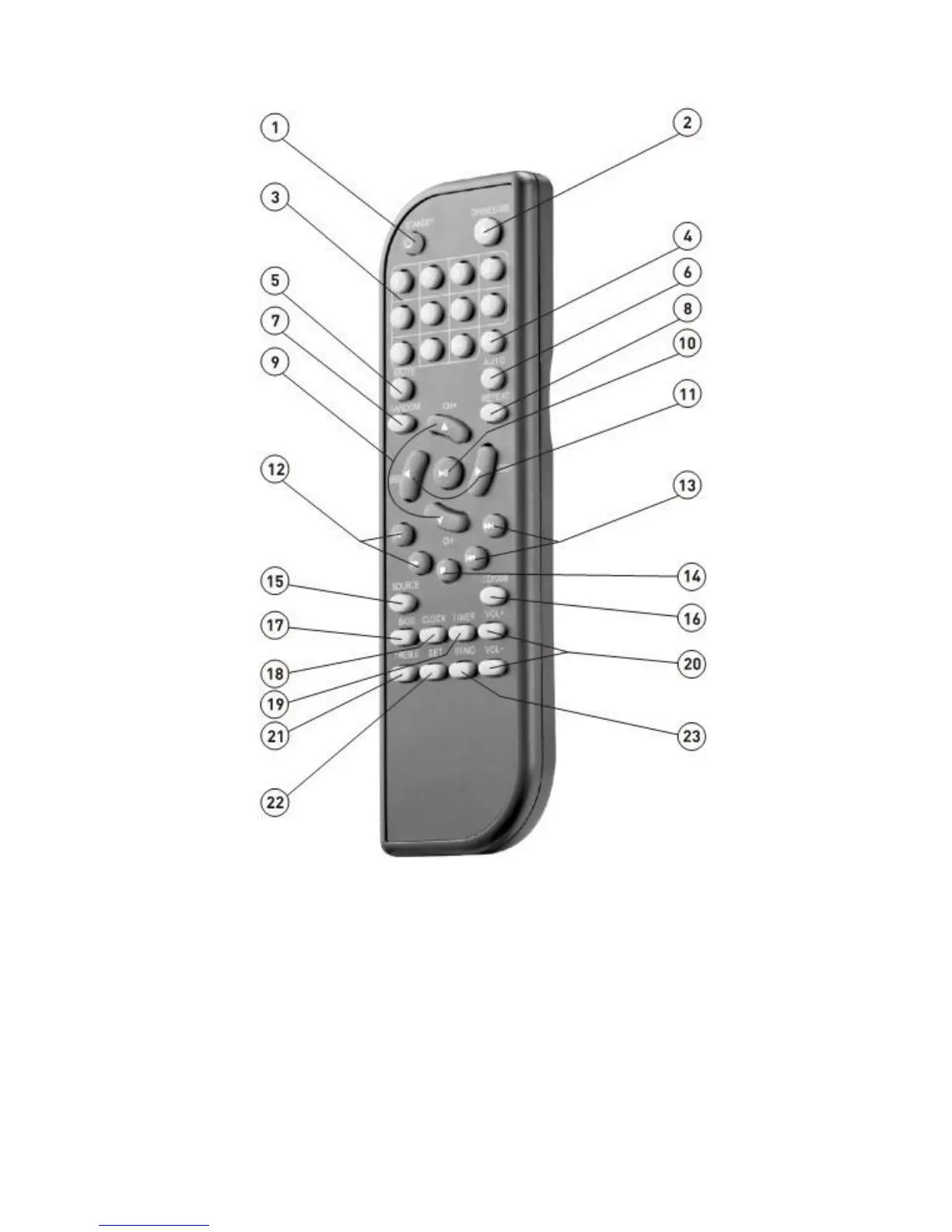
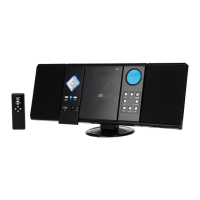
Remote Control
1.STANDBY- ON/OFF
WARNING: If the product is not to be used for long periods of time, ensure that you unplug it for
safety reasons.
2.OPEN/CLOSE - Press OPEN/CLOSE button, the disc tray opens. Place the disc on the tray
with the title facing up. Press OPEN/CLOSE again to close the disc tray.
3.NO.BUTTONS - When playing CD discs, after loading the disc, use the digit key to select the
desired track or chapter directly. Press 10+ key and then another digit key to select a
track with
a greater than 10.
4. EQ - Select the sound mode:DISCO,POP,ROCK,JAZZ,SOFT,HEAVY,FLAT.


 To Next Page