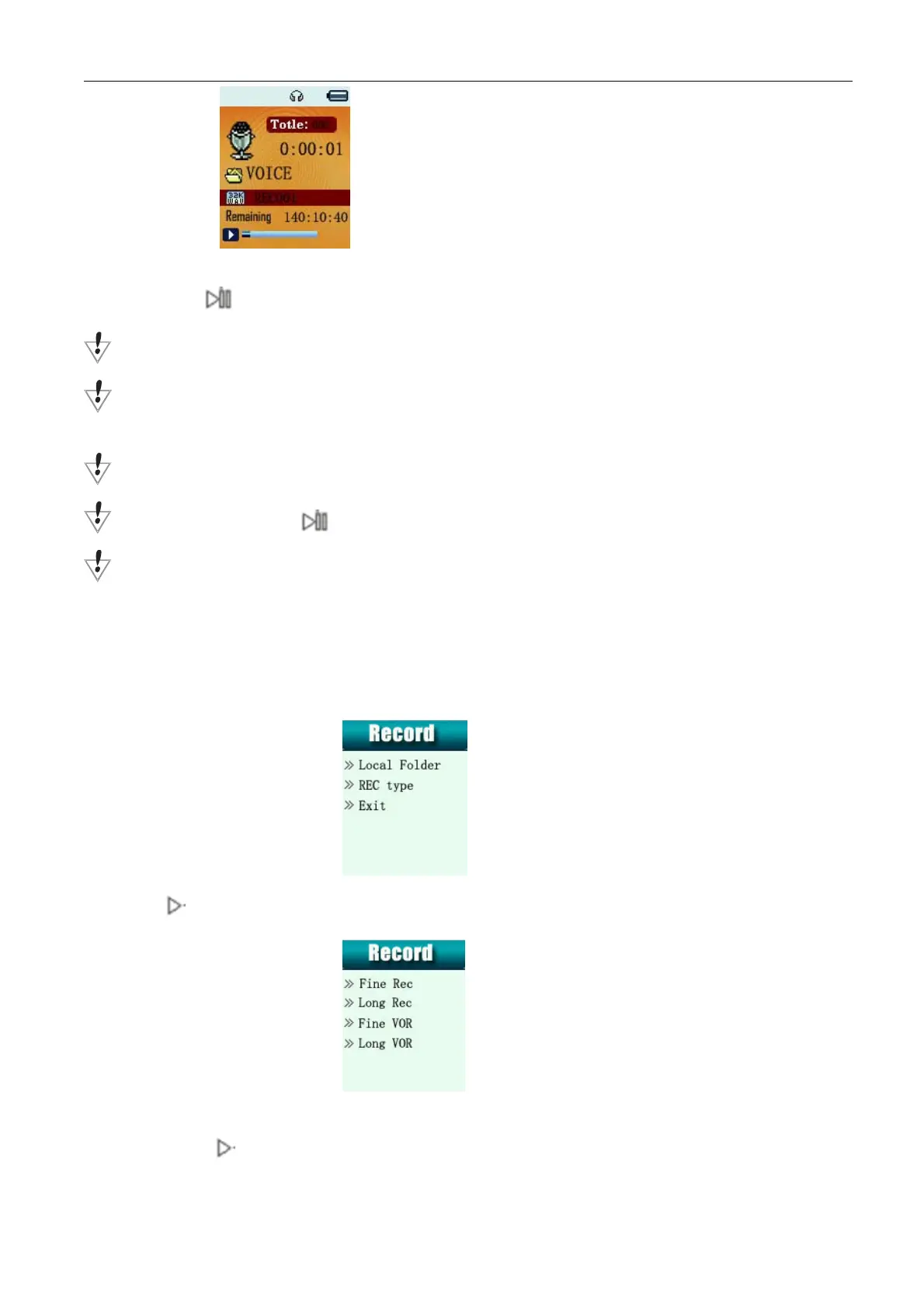
2. Short press to start and pause record, long press M to save record file.
Voice will be recorded in Voice folder.
If displayed “Memory full”, it means mo space to save new record files, please delete other files to release memory
space.
If “Fold full” shown, it means there are 99 record files in this fold. Please choose another one.
The player only responses to / M / REC key when record processing
REC key can switch to record function directly ( This key can switch to record function in any menus, except music
playing)
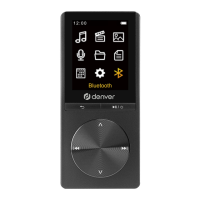
z Select Record Type
1. When in the interface of Record stopping
2. Press M to enter record submenu
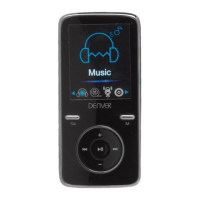
3. Press select Record type submenu then press M to enter into
4.
Press to select appropriate type and press M to enter
Page 8


 To Next Page