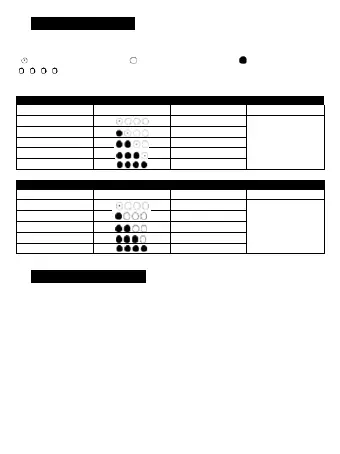
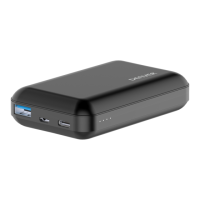
Power bank will check and show the percentage of capacity when power on.
4 light stand for: 25 50 75 100
3 Charging instructions
3.1 Charge the power bank
◆ Connect the cable USB port to the charging device and the other end to the Micro input
connector of power bank.
◆ After connecting, the power bank is automatically charged and the current power level on
the battery status indicator flashes. When the battery is fully charged, the status indicator
light will be on.
3.2 Charge digital equipment
◆ Check whether the charging voltage of the digital device matches the discharging voltage
of the power bank.
◆ Select one matching charging cable, connect one end to the power bank output interface,
the other end to the digital device, power bank will automatically recognize to charge
digital device.



 To Next Page