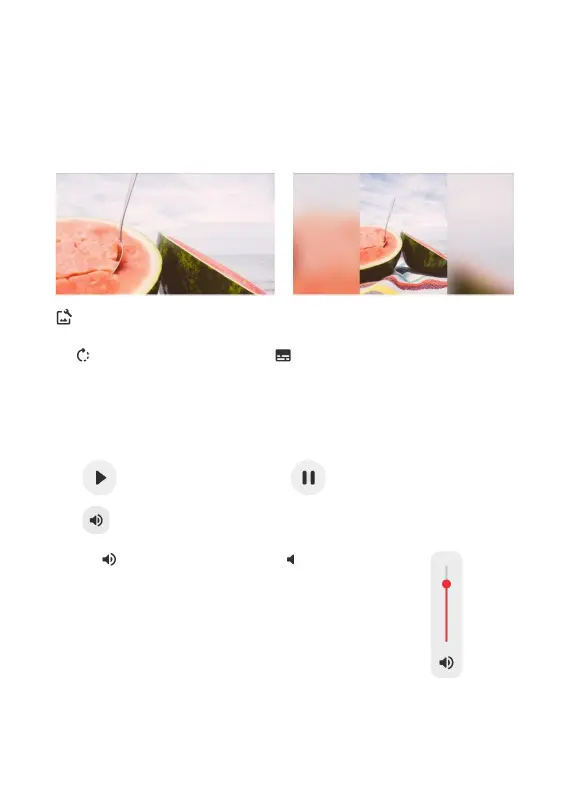
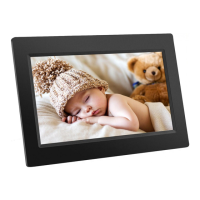
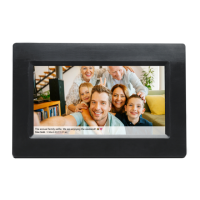
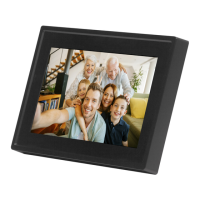
The Fill frame option is the default. The photo is scaled so that it fills the whole screen. It will be
centered around what is selected as the most important part. See the first picture below.
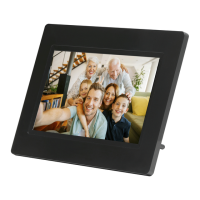
Fit to frame will make sure that the entire photo is shown on the screen. See the second picture
below.
Adjust photo
Allows you to adjust the position of the photo in the frame for an even better fit. Here you can also
use to rotate your photo, and you can use to edit the caption on imported photos. For
received photos, please ask the sender to edit the caption in the Frameo app.
Interacting with videos
When a video is shown two additional controls are shown. One for play/pause of the video and
one to control the volume level for video sounds.
Press to start the video playback. Pressing will pause the video playback.
Press to open the volume slider. Use the slider to adjust the volume level for video sounds.
Pressing will mute the video while pressing will unmute the video.
ENG 8


 To Next Page