-4-
Wireless charging
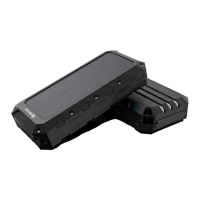
Press the power button. The blue indicators on the solar panel
and the wireless charging red indicator are on. Put your mobile
phone in the wireless charging area and it will start charging.
The indicator will turn green while charging.
If you normally use a protective case for your phone, make sure
that your phone case is not made of metal and its thickness is
less than 6mm.
4. Three indicator lights below the wireless charging area
(1) Red indicator light: Wireless charging is in standby
(2) Green indicator light:
Wireless charging → Solid green
Foreign object detection → Flashing green
5. LED flashlight function
(1) Strong Light Mode: Press the power button for about 3
seconds to turn on the LED flashlight.
(2) Strobe Light Mode: Press the power button again.
(3) SOS Light Mode: Press power button a third time, and SOS
blasting flash mode is on.


 To Next Page