ENG 4
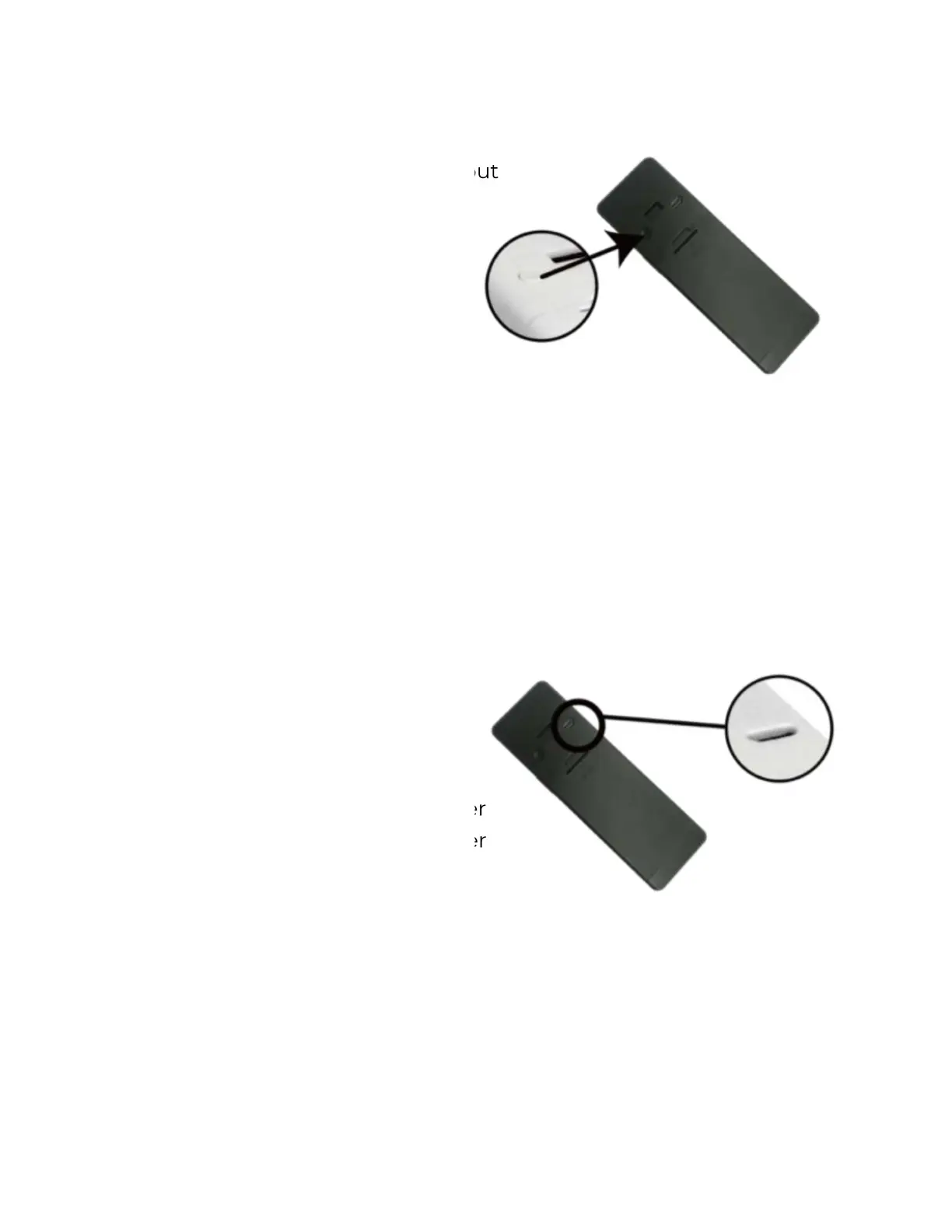
Resetting the doorbell
1.
Hold the reset button for about
3 seconds until you hear the
voice prompt “System reset”.
2.
The blue indicator LED will
start flashing to indicate
readiness for connection.
3.
Follow the instruction under
“Wi-Fi connection”.
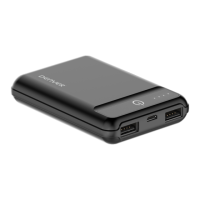
4. Charging
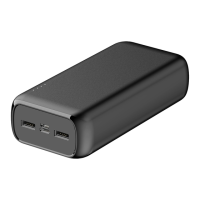
Connect the doorbell to an external
power source via the supplied
charging cable.
While charging, you can view the
charging status in the app.
If you prefer to use a power adapter
(adapter is not included), the power
adapter specification is 5V/1.5A.


 To Next Page