ENG 5
5. Setting up the chime unit & pairing chime to doorbell
Pairing:
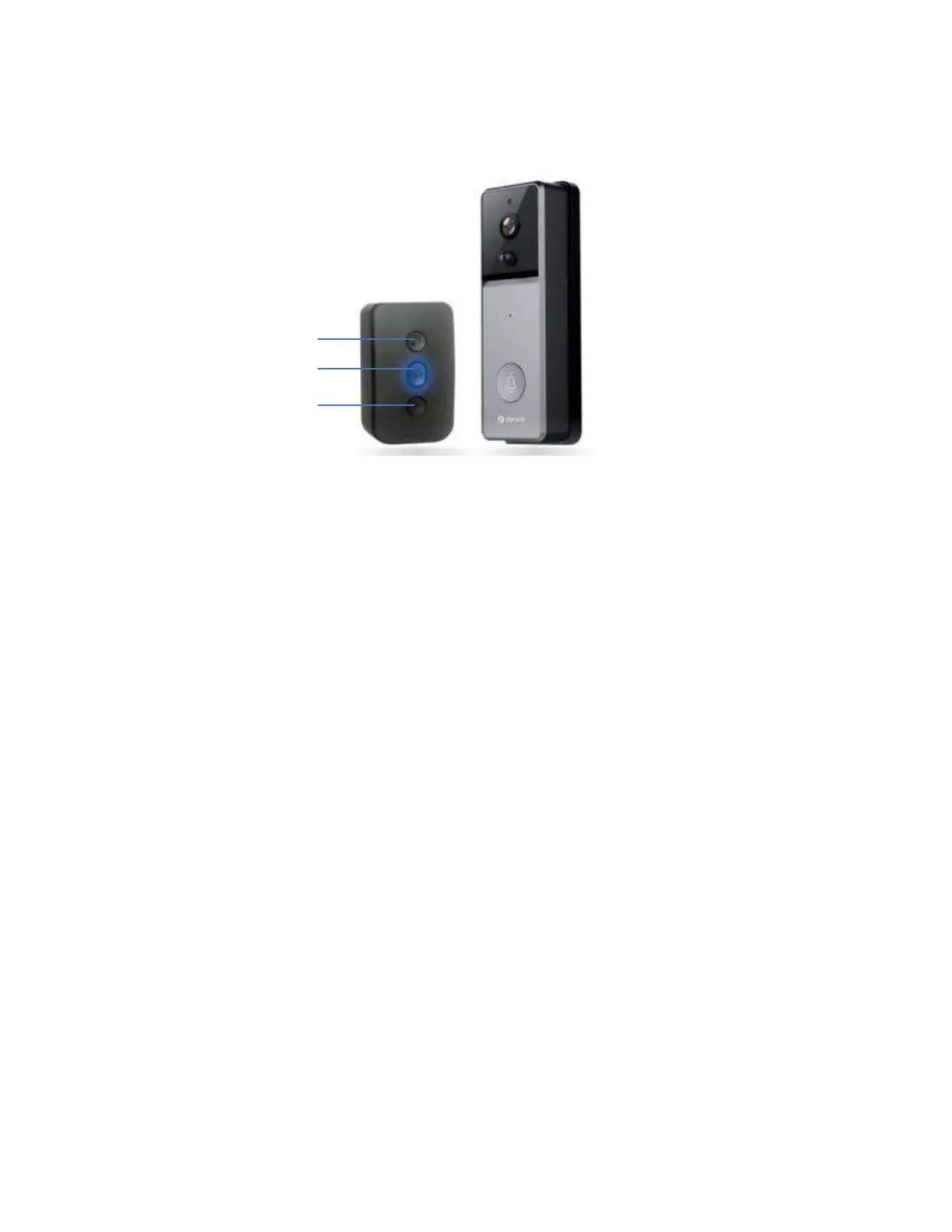
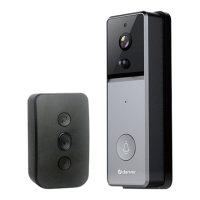
Plug-in the chime, press and hold button
②
for 3 seconds until the
blue indicator lights up.
Then ring the video doorbell, the indicator of the chime flashes,
which means that pairing was successful.
Change tones and pairing:
Press button
①
or
③
to cycle through the tones and select the
desired one.
Press and hold button
②
for 3 seconds until the blue indicator
lights up.
Then ring the video doorbell, the indicator of the chime flashes,
which means that changing was successful.
Change the volume:
Press button
②
to change the volume of the chime.
Clear the previous pairing:
Press and hold
②
, then plug the chime unit into a wall socket. Do
not release the button until the blue indicator lights up.
①
②
③


 To Next Page