Quickstart Guide – Impulse 21
EN
ered, the instruction “Please move the
pedals” will continue to be displayed.
In this case you should consult a spe-
cialist dealer.
› 3. You can now ride o just as you
would if you were riding a normal bike.
The motor starts providing assistance
as soon as the rear wheel starts turning.
4 Operation
If the battery charge state falls below a
minimum level, the system switches o.
If you do not move your Pedelec for 10
minutes, the system switches o automat-
ically. If you want to ride with assistance
again, press the Power button on the con-
trol panel again.
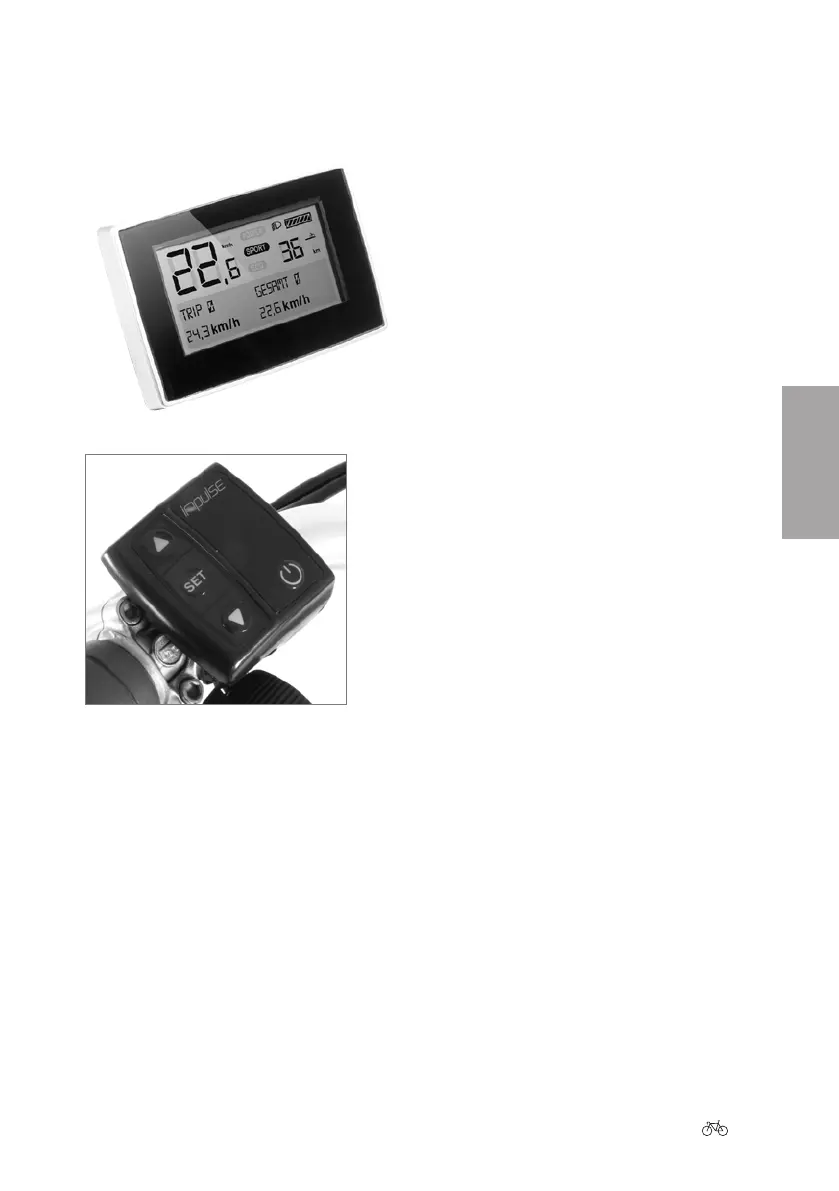
If your Pedelec is equipped with an LCD
control panel:
› 1. Push the Power button on the control
panel on the handlebar.
› 2. The system will now perform a sys-
tem check. “Please move the pedals”
will appear on the screen. If you set o
now the system will normally detect
a pedal movement in the “drive” and
“back-pedal brake” directions. This
completes the safety check, and you can
ride as normal with assistance. If you
cannot feel any assistance, simply back-
pedal briey and then pedal forwards
again to trigger the system check. If
there is still no assistance being deliv-











 To Next Page