EasyManua.ls Logo

Desa DH 751 - User Manual

Default Icon
144 pages
Print Icon
To Next Page IconTo Next Page
Loading...
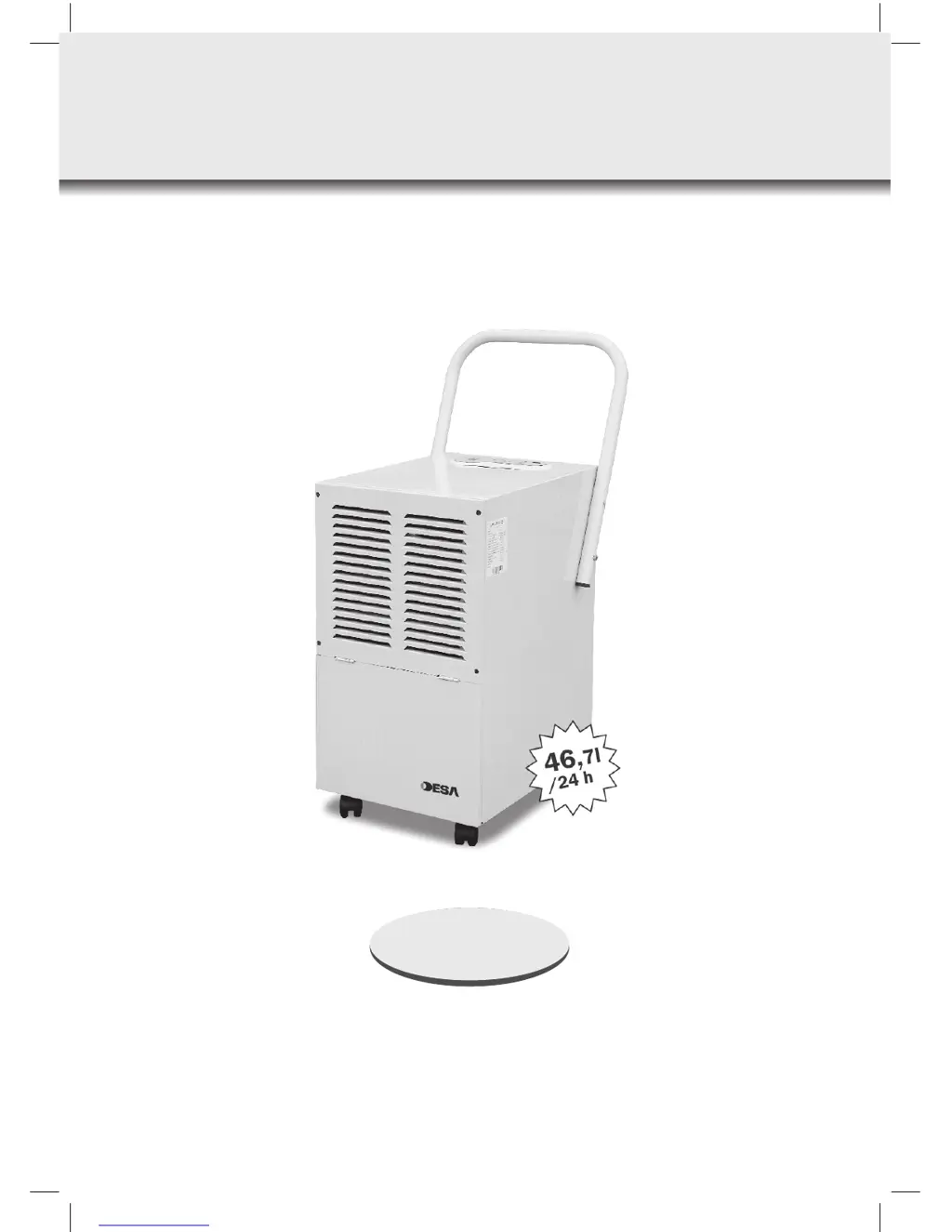
DEHUMIDIFIER
Instruction Manual
DH 751
GB_DH_751.indd 1GB_DH_751.indd 1 2007-04-05 14:47:352007-04-05 14:47:35

Questions and Answers

  • C
    Christina SnyderAug 2, 2025
    What to do if my Desa DH 751 Dehumidifier does not work?
    • C
      Connie AndersonAug 2, 2025
      If your Desa Dehumidifier isn't working, check the following: 1. Ensure there is no power cut and the unit is switched on. 2. Verify the unit is plugged in. 3. Check if the fuse has melted and replace it if necessary. 4. See if the tank is full; empty it and replace it correctly.
  • G
    geatonAug 11, 2025
    Why is my Desa Dehumidifier dehumidifying inadequately?
    • P
      Patrick HallAug 11, 2025
      If your Desa Dehumidifier is not dehumidifying adequately, it might be due to several reasons: 1. The filter may be choked by dirt. Clean the filter. 2. There might be some barrier in the air inlet or outlet. Remove the barrier. 3. Doors or windows might be open. Close them to isolate the room from the outside and sunshine. 4. There could be a refrigerant leakage. In this case, contact the manufacturer or seller.
  • J
    John TerryAug 21, 2025
    What to do if my Desa DH 751 is leaking water?
    • M
      myerscourtneyAug 21, 2025
      If you notice water leakage from your Desa Dehumidifier, make sure the unit is placed on a stable, level surface. If the unit is inclined, adjust it to be stable. Also, check if the drainer is choked; if so, pull out the panel and remove any obstruction.

Summary

Dehumidifier Overview

Technical Specifications

Important Safety Instructions

Crucial safety advice to be read before operating the dehumidifier.

Before Use and Product Introduction

Construction and Components

Dehumidifier Parts Identification

Illustrates and lists the main external components of the dehumidifier unit.

Control Panel Overview

Details the buttons, indicators, and display on the dehumidifier's control panel.

Operation Guide

Key Function Descriptions

Explains the operation of the ON/OFF, Humidity Up/Down, and Memory keys.

Starting and Shutting Down

Step-by-step guide on how to turn the dehumidifier on and off.

Operational Notices

Provides important considerations and tips for effective and safe unit operation.

Continuous Drainage Method

Maintenance and Safety

General Safety Precautions

Lists critical warnings about usage conditions and potential hazards.

Electrical Safety and Handling

Information and Troubleshooting

Unit Operation Notices

Additional operational advice, including temperature ranges and air flow.

Troubleshooting Guide

Table listing common malfunctions, their causes, and suggested solutions.

Malfunction Codes

Waste Disposal Information

Declaration of Conformity

Desa DH 751 Specifications

General IconGeneral
BrandDesa
ModelDH 751
CategoryDehumidifier
LanguageEnglish