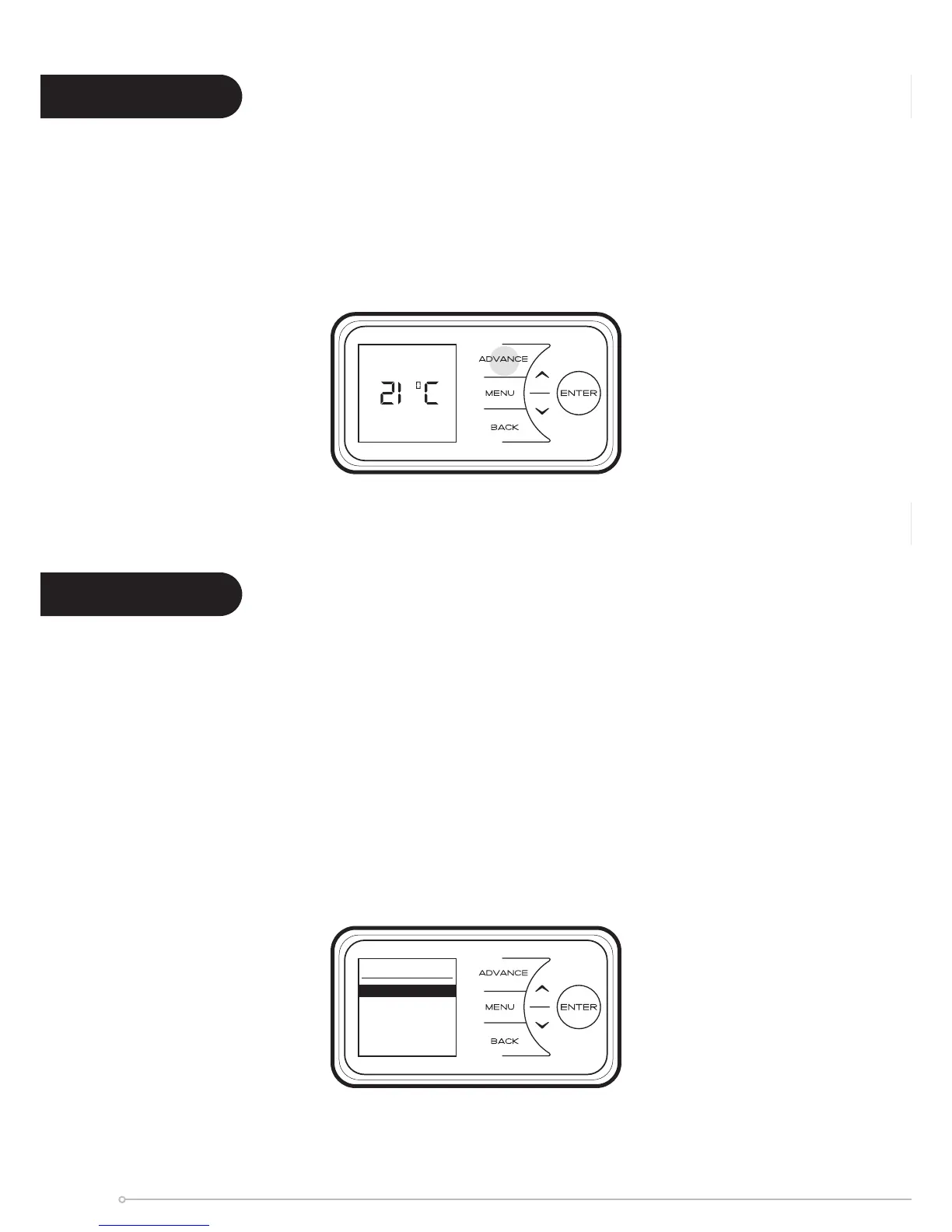
The Advance function allows the heating prole of the heater to be changed temporarily. When
a timer has been selected, the Advance function is used to begin the next Comfort On mode
early. If the heater is in Comfort Off mode and heat is required, press the Advance button.
If the heater is in Comfort On and heat is not required, press the Advance button and the
heater will turn off until the beginning of the next Comfort On period.
The Options menu allows the settings to be modied to suit the user’s preferences. These are;
DST Rule - Select your daylight saving setting. The heater clock will automatically adjust
for daylight saving (British Summer Time as it is often referred to). If no adjustment is
required then select none.
Report - Service information is displayed.
Sound - Audio feedback can be enabled or disabled.
Comms - Choose to enable or disable Wireless Connectivity.
Advance
Comfort Off
Options
DST Rule
Report
Sound
Comms
Advance
Options
22



 To Next Page