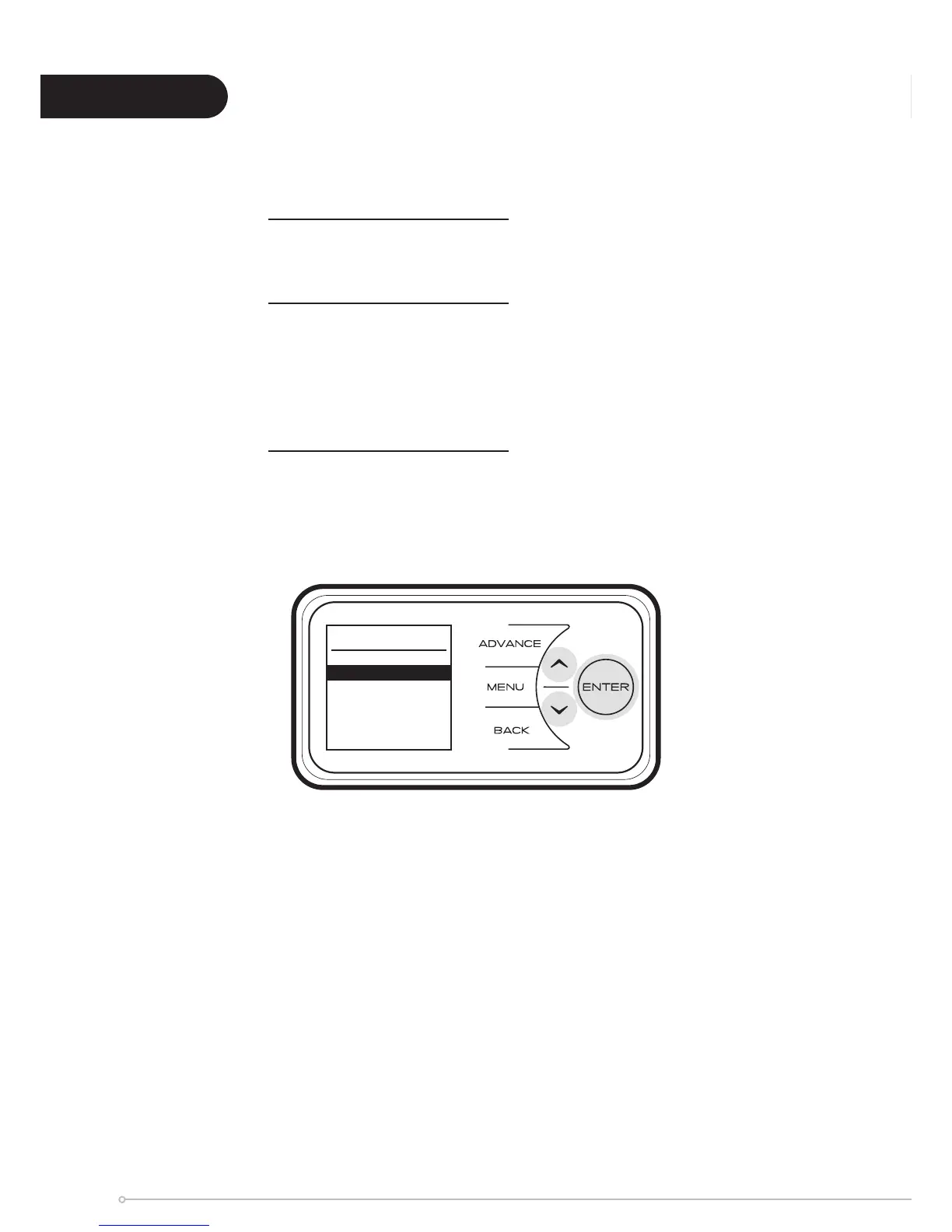
In order to enter the Service menu, Back, Menu & Enter must be pressed simultaneously and
held for 10 seconds.
Charge Time - for Service personnel use only.
Slave Mode - for Service personnel use only.
If more than one heater is installed in the same room it is recommended
that the smallest capacity heater is set as a Slave.
Disabled as factory default.
Rm Temp Offset - for Service personnel use only.
Allows to set a Room Sensor temperature offset.
Factory pre-set offset as default.
Service
Change Time
Slave Mode
Rm Temp Offset
Service
24



 To Next Page