EasyManua.ls Logo

Destination Audio SF10 - User Manual

Destination Audio SF10
16 pages
Print Icon
To Next Page IconTo Next Page
Loading...
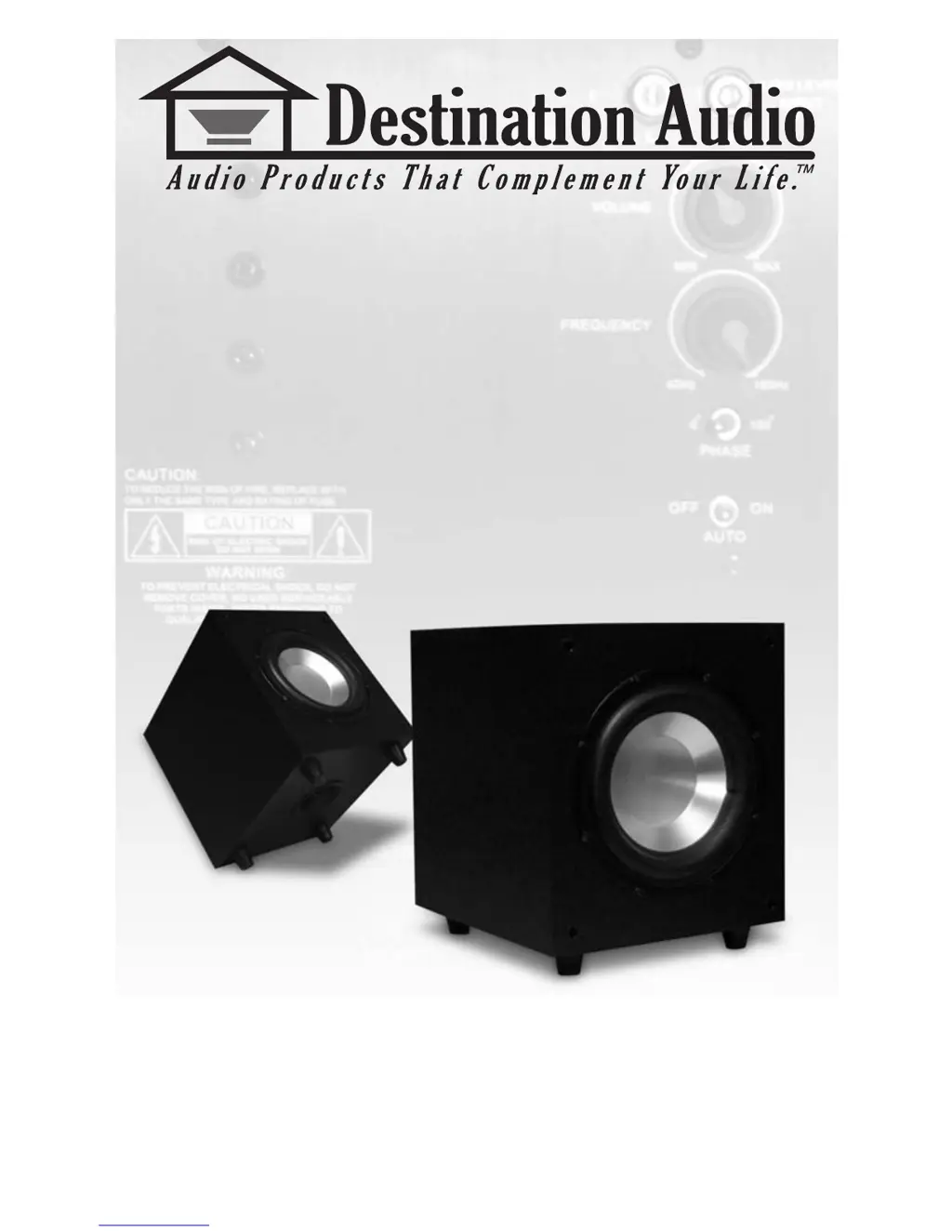
SF10 / SF12
POWERED SUBWOOFER
I n s t a l l a t i o n & O p e r a t i o n M a n u a l

Other manuals for Destination Audio SF10

Questions and Answers

  • E
    emendezJul 30, 2025
    What to do if my Destination Audio Subwoofer has no sound?
    • M
      Michael WalkerJul 30, 2025
      If your Destination Audio Subwoofer isn't producing any sound, there are several potential causes. First, ensure the amplifier is plugged into an unswitched A.C. power outlet. Also, verify that the amplifier is receiving an audio signal from the receiver or processor, and that the audio connections match the connections section of this manual. Finally, the amplifier fuse might be blown, in which case you should replace it. If the fuse isn't easily accessible, consult your authorized RBH dealer.
  • A
    Andrew JordanAug 14, 2025
    Why is my Destination Audio Subwoofer performance less than expected?
    • S
      Sarah McdonaldAug 14, 2025
      If your Destination Audio Subwoofer's performance is not as expected, several factors could be the cause. Check that the + and - polarity of the subwoofer wire are correctly connected at the subwoofer, and experiment with the phase switch. Ensure the crossover frequency is correctly adjusted by turning the crossover frequency control clockwise until the desired sound is achieved. If bass management is enabled on your receiver or processor, make sure to use the LFE line level input instead of the L/R line level input. (See amplifier controls and setup on previous page.)

Summary

Introduction

Important Safety Instructions

Essential safety precautions for operating the subwoofer to prevent fire, electric shock, and injury.

Break In Period

Care and Cleaning

Features

Room Setup Suggestions

Front Main Speakers

Guidelines for positioning front main speakers for optimal sound stage and realism.

Center Channel Speaker

Recommendations for placing the center channel speaker for clear dialogue.

Rear Surround Speakers

Guidance on positioning surround speakers for immersive audio.

Subwoofer Placement

Advice on optimal placement of the subwoofer for bass reinforcement and clarity.

Subwoofer Amplifier Controls and Setup

Voltage Selector Switch

Ensure the AC voltage selector matches your area's power supply to prevent damage.

Volume;Gain Control

Instructions for setting the volume/level control initially and for system matching.

Crossover Frequency Control

How to adjust the low-pass crossover point (40-150 Hz) for desired bass output.

Auto Signal Tracking

Explanation of the auto on/off feature based on signal detection.

Phase Control

Adjusts the phase relationship between the subwoofer and main speakers for optimal interaction.

Line Inputs

Using line level input when receiver bass management is not used.

LFE In

Connecting to receiver/processor via LFE or "subout" output.

Fuse Access

Location and important notes for replacing the fuse safely and correctly.

Power

The main power on/off switch for the subwoofer.

LFE Out

RCA terminal for connecting another subwoofer in a daisy-chain configuration.

Specifications

Troubleshooting

Warranty

Destination Audio SF10 Specifications

General IconGeneral
BrandDestination Audio
ModelSF10
CategorySubwoofer
LanguageEnglish