HEIGHT ADJUSTMENT CONTROLLERS
OPERATING THE CONTROLLER
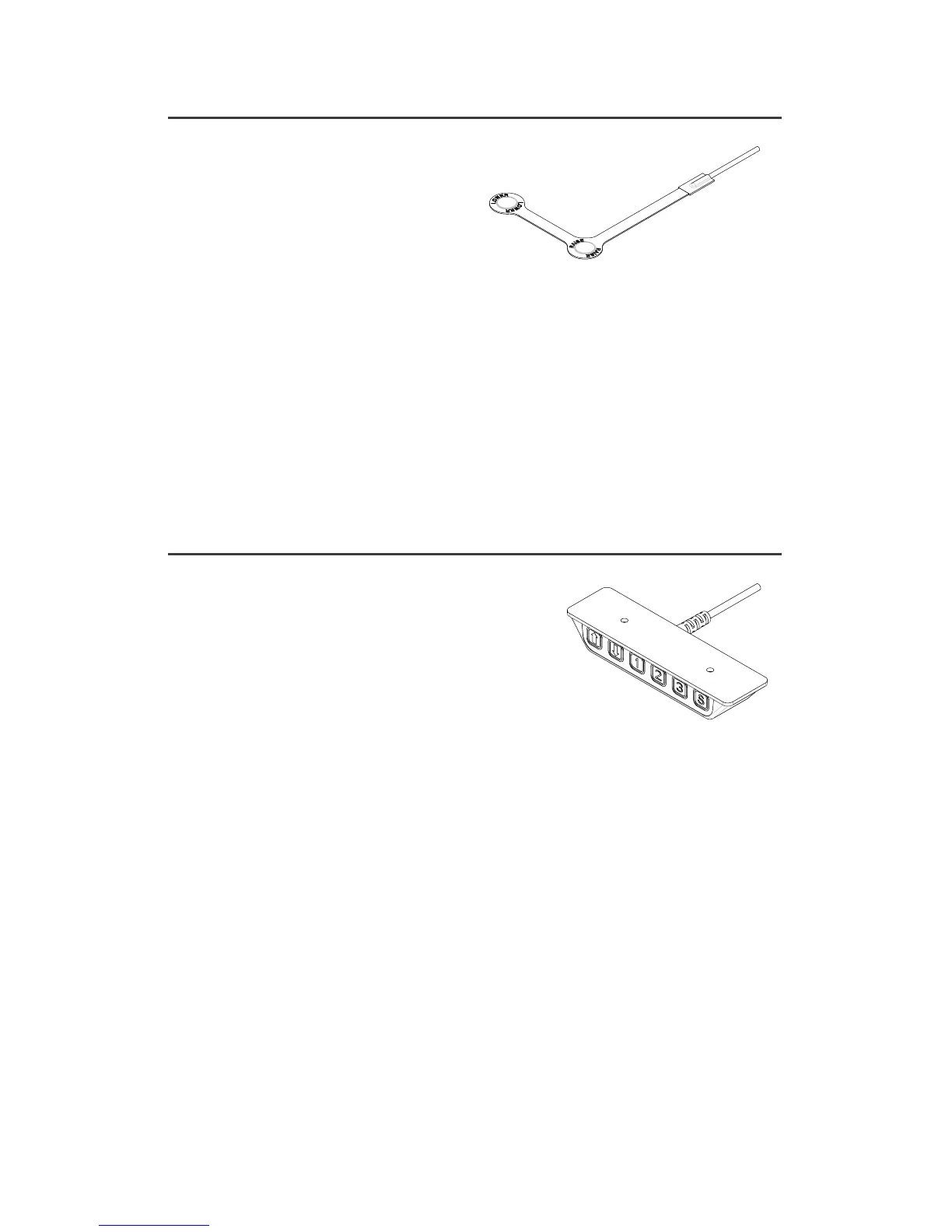
The ush-mount activation has two buttons for user control.
• Press and hold either the Raise or Lower buttons to reach the desired height.
• As a safety feature, the user must continuously hold down the button in order
for the table to move.
Note: The buttons can be mounted with both the Raise and Lower buttons
visible on the top surface, or it can be wrapped around the worksurface edge for
an intuitive “push down”, “pull up” action.
OPERATING THE CONTROLLER
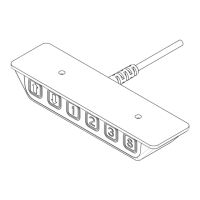
• Press and hold either the Up or Down arrow to reach the desired height.
• To switch to a stored height in memory press and hold the numbered button
that has the pre-set height stored into memory until it reaches the stored height.
• As a safety feature, the user must continuously hold down the button in
order for the table to move.
STORE HEIGHT INTO MEMORY
To set into memory the desired height for either seated or standing work,
use the three pre-set buttons.
• Press either the Up or Down arrow until the desired height is attained.
• Press the S button once and then your choice of pre-set buttons 1-3 to set
that
particular height.
• To pre-set additional heights repeat this sequence using the remaining
1-3 buttons.
Flush-Mount
Activation Buttons
3 Pre-set
Programmable


 To Next Page