EasyManua.ls Logo

Detcon X40-08-N4X - User Manual

Default Icon
71 pages
Print Icon
To Next Page IconTo Next Page
Loading...
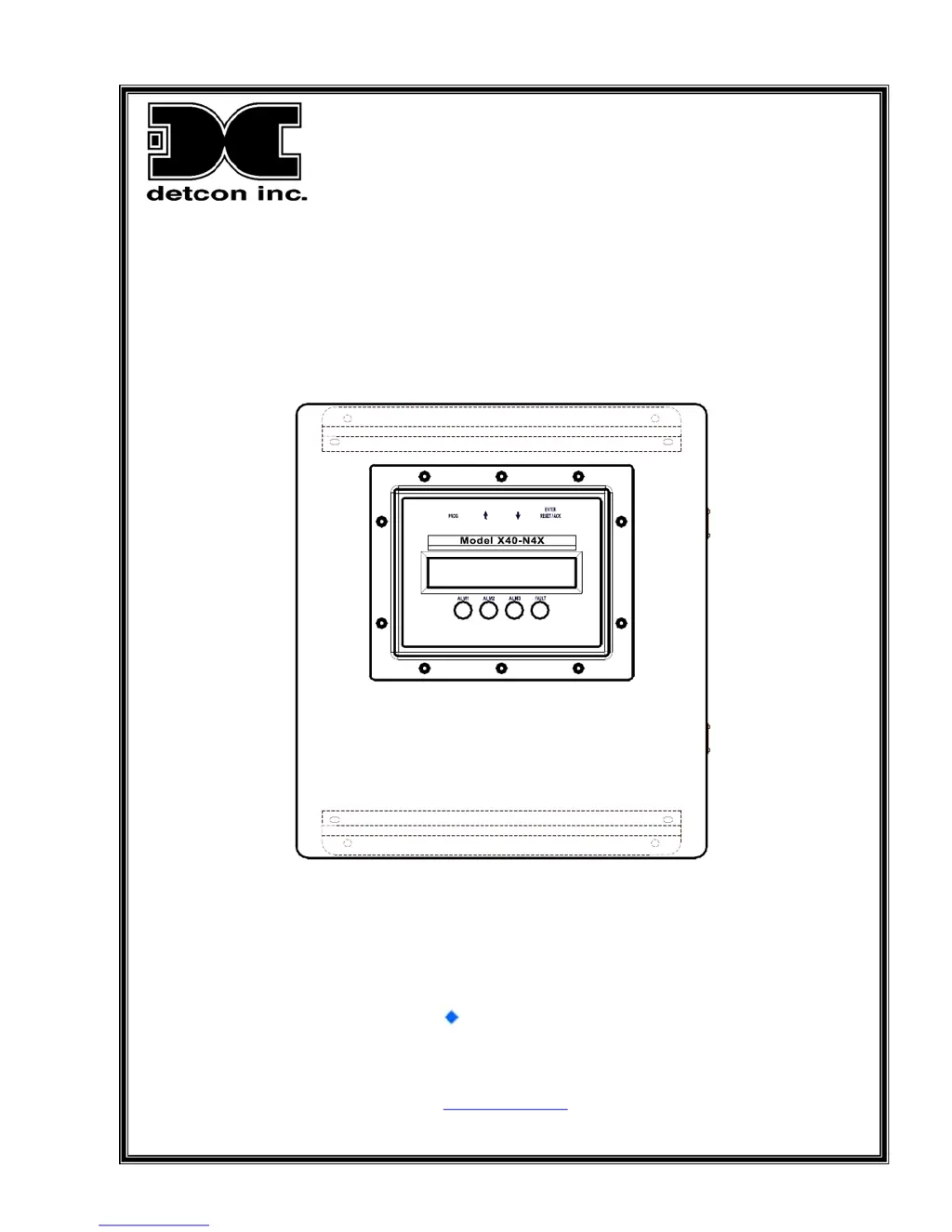
Model X40-08-N4X, Model X40-32-N4X
Model X40-32-N1P, Model X40-32-N7
Integrated Alarm and Control System
I n t e g r a t e d A l a r m & C o n t r o l S y s t e m
Operator’s Installation and Instruction Manual
Covers all Model X40 Control Systems
January 5, 2015• Document #3672 Revision 3.4
DETCON, Inc.
4055 Technology Forest Blvd.,
The Woodlands, Texas 77381
Ph.713.559.9200 / Fax 281.298.2868
www.detcon.com

Table of Contents

Questions and Answers

Summary

Introduction to Detcon X40 Controller

Features of the X40 Controller

Describes X40 controller capabilities, sensors, and field devices.

Modbus Communication Protocols

Explains RS-485 Modbus RTU protocol for device communication.

I;O Modules and Connections Overview

Discusses types, accommodation, and connections of I/O modules.

Enclosure Types for X40 Controller

Alarms, Fault Conditions, and System Operation

Alarms and Fault Condition Details

Explains alarm behavior, LED indicators, and relay configurations.

System Operation Procedures

Covers critical setup aspects and operator interface overview.

Operator Interface and Main Display Functions

Wireless Option for X40 Controller

Installation Procedures

Installation Safety Guidelines

General safety precautions for equipment installation.

N1 P and N1 R Enclosure Installation

Installation procedures for N1P and N1R enclosures.

N4 X Enclosure Installation

Installation procedures for N4X enclosures.

N7 Enclosure Installation

Installation procedures for N7 enclosures.

I;O Connections and Module Installation

I;O Module Installation Guide

Describes how to install I/O modules on a DIN rail.

General Installation and Start-Up Procedures

Initial Start-Up Procedure

Procedure for powering up the unit for the first time.

Secure Digital Card Management

System Configuration and Menu Functions

X40 Controller Setup

Initial setup steps for the controller.

Auto Configure System

Automatic system configuration process for devices.

Setup Channel Data Configuration

Configuring individual channel data like Slave ID and Device Type.

Set Channel Alarms Configuration

Setting alarm levels for each sensor channel.

Set Relay (Alarm) Functions

Configuring relay behavior: latching, energized, silenceable.

Modbus Slave Communications and Register Map

Modbus Slave Communications Port

How the X40 communicates as a Modbus slave device.

Troubleshooting Guide and PCA Replacement

Troubleshooting Common Issues

Addresses common problems like power loss, relay issues, and lock-ups.

Customer Support and Warranty Information

Detcon X40-08-N4X Specifications

General IconGeneral
BrandDetcon
ModelX40-08-N4X
CategorySecurity System
LanguageEnglish