EasyManua.ls Logo

Devine BM-100 - User Manual

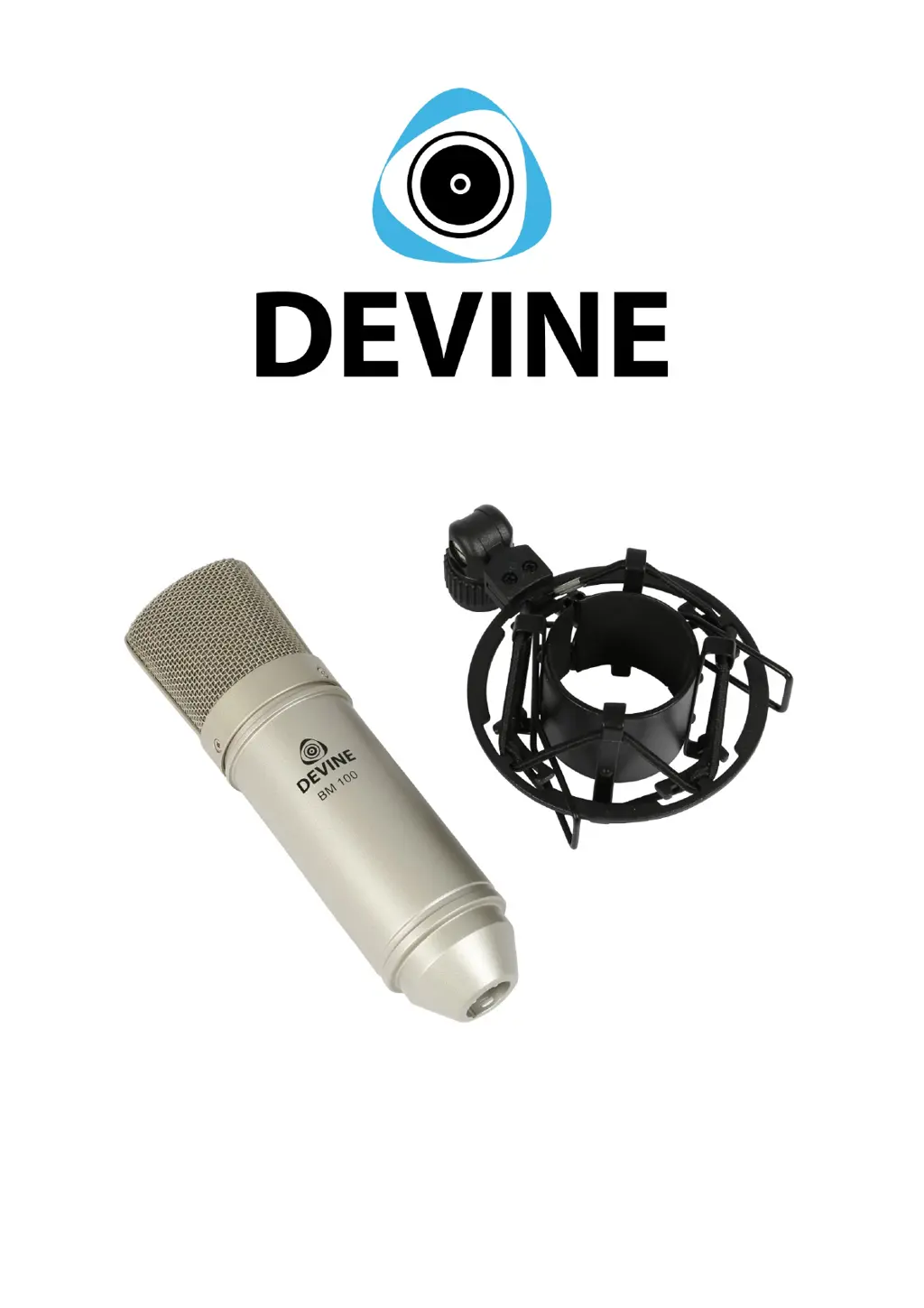
Devine BM-100
7 pages
Print Icon
To Next Page IconTo Next Page
Loading...
BM-100
Condenser studio microphone
User manual
All information and illustrations shown in this user manual are subject to change without further notice.
User manual version: 1.0 Creation date + author initials: 10-12-2015 RV Revision date + author initials: -

Questions and Answers

  • J
    Joel DunlapAug 4, 2025
    Why does my Devine Microphone have no sound?
    • K
      Kristy ParkerAug 4, 2025
      If your Devine Microphone has no sound or a very low sound signal, it might be due to the absence of phantom power. Ensure that you connect or turn on the phantom power supply. Alternatively, the volume might be set too low. Try increasing the input volume and gain on your mixer, interface, or other sound-processing device.
  • V
    vvincentAug 9, 2025
    What to do if my Devine BM-100 signal keeps cutting out?
    • Z
      zgutierrezAug 10, 2025
      If the Devine Microphone signal is interrupted or cut off, it is likely due to a loose or broken cable. First, check if the cable is correctly plugged into the microphone. If the problem persists, try replacing the cable.
  • B
    brian98Aug 16, 2025
    How to stop loud, high frequencies from Devine BM-100?
    • J
      Jaime WhiteAug 16, 2025
      If you are experiencing loud, high frequencies coming from the speakers when using your Devine Microphone, it could be because the microphone is positioned too close to the speakers. Try moving the microphone further away from the speakers or change its position so it's not aimed directly at them.
  • C
    Corey LewisAug 22, 2025
    How to reduce distortion in Devine BM-100 recordings?
    • D
      david34Aug 22, 2025
      If you notice distortion or noise in the captured sound with your Devine Microphone, it might be due to excessive airflow caused by vocals. Consider using a pop filter or windshield to mitigate this issue.
  • D
    David MasonAug 28, 2025
    Why is my Devine BM-100 Microphone making rattling sounds?
    • L
      Larry SerranoAug 28, 2025
      If your Devine Microphone is producing rattling and cracking sounds, it is likely due to moisture inside the microphone. Allow the microphone to dry at room temperature. To prevent this, avoid using the microphone in humid or moist environments, and do not let it come into contact with water or liquids.

Summary

Introduction

WEEE Compliance

Disposal of electronic waste according to WEEE directive for all manufacturers and producers in the EU.

CE Marking

Indicates compliance with applicable European directives and regulations.

Indoor Use Only

Device is for indoor use only; maximum ambient temperature should not exceed 40°C.

Box Contents

Unit and Accessory Inspection

Check unit for damage before use. Contact dealer if issues arise.

Using the Microphone

Phantom Power Requirements

Requires +48V phantom power. Microphone will not work or produce weak signal without it.

Microphone Setup

Instructions on using the shock mount and attaching the microphone.

Connection to Audio Interface

Details on connecting via XLR and recommended mixer/interface settings.

Microphone Protection

Handle with care due to sensitive electronics. Avoid impacts, falls, and on-the-road use.

Troubleshooting

Technical Specifications

Devine BM-100 Specifications

Microphone Specifications IconMicrophone Specifications
diaphragm size18 mm
polar patternuni-directional (cardioid)
frequency response20 Hz – 20 kHz
sensitivity-38 dB +/- 2 dB (0 dB = 1 V/Pa @ 1 kHz)
output impedance200 ohms +/- 30% (@ 1 kHz)
load impedance≥ 1000 ohms
self noise17 dBA
S/N ratio77 dB
Connector IconConnector
connector typegold-plated XLR connector
Weight and Dimensions IconWeight and Dimensions
body dimensions48 degrees (radius) x 165 mm (length)
weightapprox. 300 g

Related product manuals