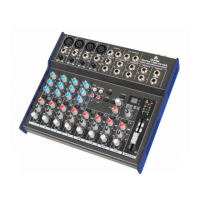
CD/Tape out: this output is connected to the Main Out and can be used with recording devices, for instance.
It can also be used to connect a set of speakers for monitoring purposes, while the main signal goes to main
speakers or other equipment.
Main mix section
The Mix section doesn't just consist of the Main Mix fader and
associated LED indicators, but also some knobs for extra control over
other signals.
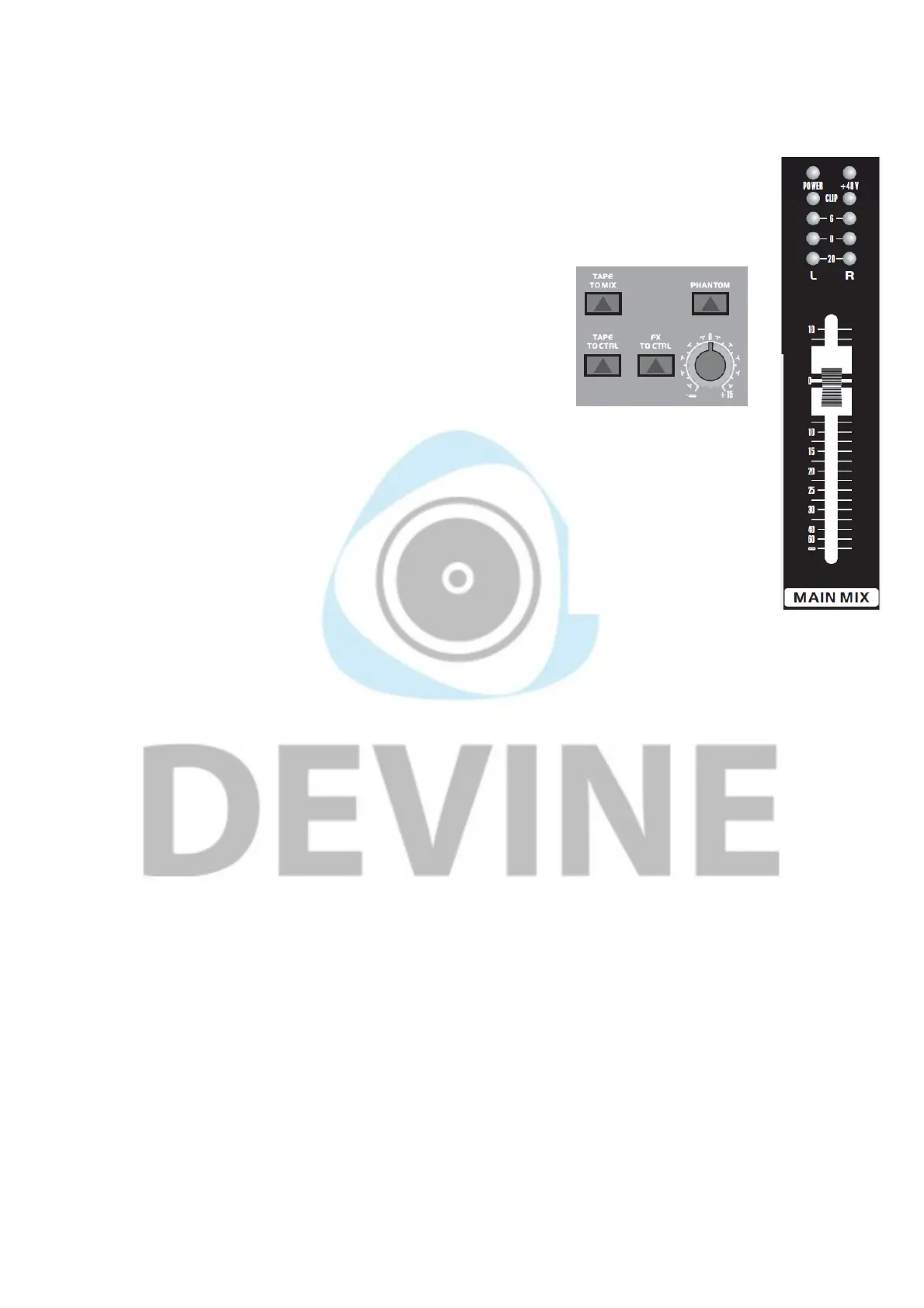
Phantom power: this is used to provide condenser microphones with
+48V of power. Phantom power only works with condenser
microphones and does not normally affect dynamic microphones.
Turning on phantom power activates it on all of the mono channels.
An LED indicator will light up above the LED VU meters whenever
phantom power is activated.
PLEASE NOTE: bear in mind that certain equipment like special
ribbon microphones, for instance, absolutely cannot handle phantom
power! Never attempt to use phantom power in combination with
ribbon microphones or make use of a phantom blocker. For more
information, please consult the manual that came with your
microphone.
PLEASE NOTE: when using phantom power, no unbalanced XLR
signals should be connected where pins 1 and 3 are transferred. This
can cause permanent damage to the mixer and connected
equipment.
PLEASE NOTE: it's recommended to only switch on phantom power
once all of the necessary equipment has been connected to the mono
channels. Connecting microphones and other equipment while phantom power is already switched on can
cause permanent damage in exceptional cases.
Phones: see Phones/Control room.
Power LED: this blue LED shows that the mixer in powered on and ready for use.
Level indicators: these LED VU meters show the output level or strength of the left and right signals that
are going to the Main out. Ideally, you want to prevent the CLIP LEDs from coming on by keeping the sound
level to a maximum of 0 dB because anything above this can cause distortion and have a negative impact on
the sound quality.
CD/Tape to mix button: when this button is pressed in it sends the input signal from the CD/Tape input to
the master signal where it can be used in the mix. When the button is not pressed in, the signal is not sent.
CD/Tape to CTRL: this function sends the CD/Tape input to the CTRL Room outputs (also headphones) for
monitoring purposes.
Listening to the recording signal on TAPE IN: if you're using the TAPE OUT to send a signal to a
recorder and you want to monitor it without disrupting the signal, you can do so using the TAPE IN.
Beforehand, make sure that TAPE IN to MIX is turned off to prevent an endless loop from occurring. With
TAPE to CTRL, the signal can then be sent to the headphone or CTRL Room outputs.
FX to CTRL: pressing this button sends the FX signal to the CTRL outputs allowing you to listen to it on your
headphones, for instance, to hear what it sounds like.
Main mix fader/knob: Some MixPad mixers have a main mix fader and others have a knob. Both allow you
to adjust the level of the main mix. Again, it's recommended to keep the level to a maximum of 0 dB because
The information in this user manual is subject to change at any time without notice.
Version:
1.0
Date of creation and author's initials:04-12-2018 RV Revision date and author's initials: -


 To Next Page
 Loading...