EasyManua.ls Logo

Devine RX Series - User Manual

Devine RX Series
11 pages
Print Icon
To Next Page IconTo Next Page
Loading...
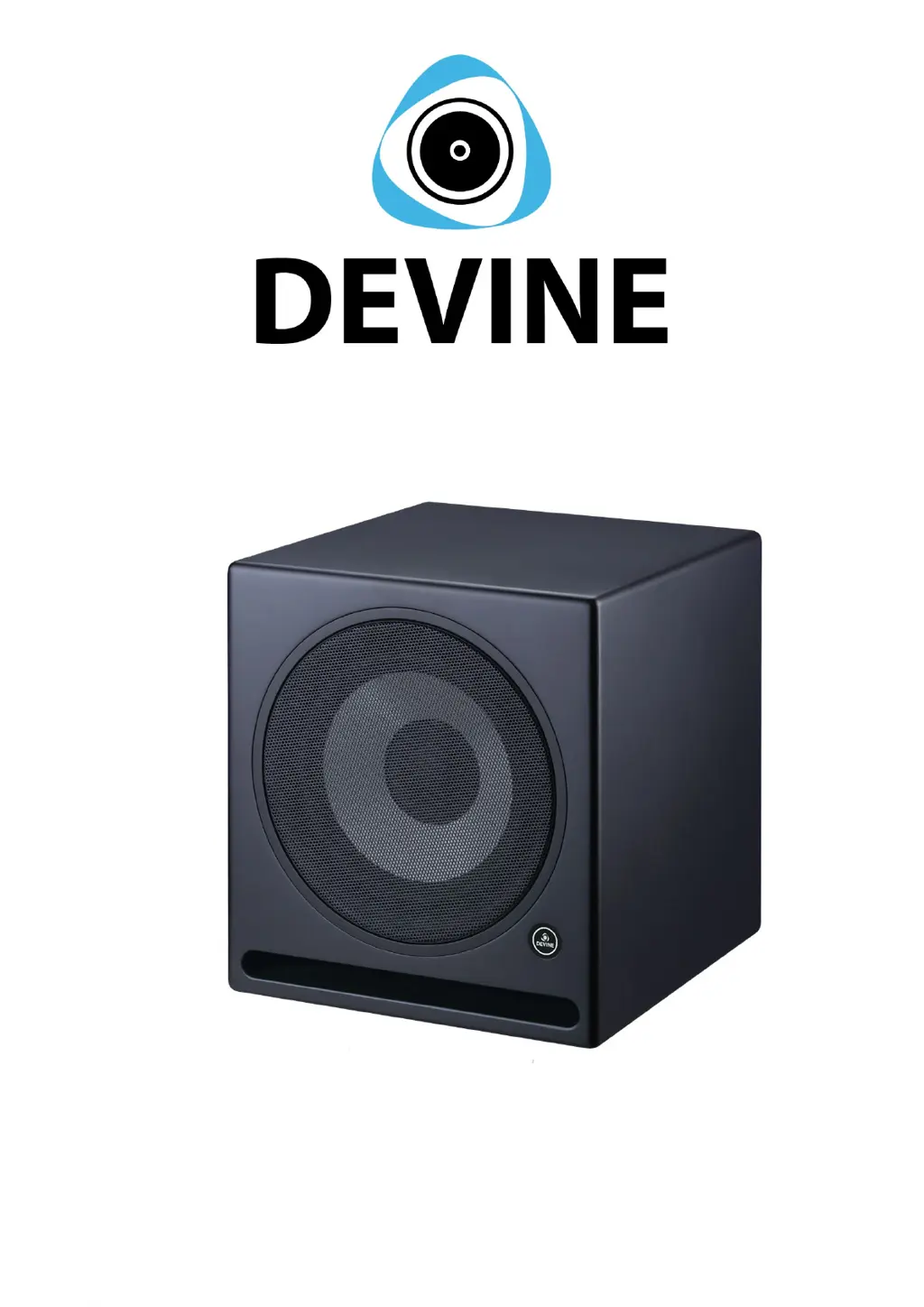
RX Series (RX-10SA)
Active Studio Subwoofer
User Manual
The information in this user manual is subject to change at any time without notice.
Version 1.0 Date of creation and author's initials:21-07-2020 RV Revision date and author's initials: -

Questions and Answers

  • C
    christina67Aug 13, 2025
    What to do if my Devine Subwoofer won't turn on?
    • M
      mstevensAug 13, 2025
      If your Devine Subwoofer isn't turning on, there are a few things to check: * First, make sure the cables are properly connected between the subwoofer and the power socket. * Second, verify that the power socket is active, and if you're using an extension cable with a switch, ensure that it's turned on. * Lastly, inspect the fuse next to the subwoofer's power connector; if it's blown, replace it with the same type of fuse.
  • W
    Wesley MitchellAug 17, 2025
    Why is the volume too low on my Devine Subwoofer?
    • H
      harrisrogerAug 17, 2025
      If the volume on your Devine Subwoofer is too low, there are a couple of things you can check: * First, make sure that the output volume from the source device is turned up. * Second, check the gain control on the monitor and increase it.
  • E
    Elizabeth MccoyAug 20, 2025
    What to do if I hear audible interference from my Devine Subwoofer?
    • C
      Christopher BanksAug 20, 2025
      If you're experiencing audible interference with your Devine Subwoofer, consider the following: 1. Use balanced cables whenever possible, or a DI box directly after the output to balance the signal. 2. Ensure the signal from the source is strong enough to reduce the need for excessive amplification. 3. Verify the subwoofer is connected to an earthed power socket using the included cable. 4. Try connecting all studio equipment to the same power group, avoiding other devices like fridges or microwave ovens that can cause interference.
  • K
    kayla55Aug 25, 2025
    What to do if certain frequencies are too low or too high on my Devine Subwoofer?
    • A
      Amber AllenAug 25, 2025
      If certain frequencies are too low or too high on your Devine Subwoofer, consider these solutions: * Experiment with the physical placement of the subwoofer to find an optimal position. * Avoid using equalizers or sound presets on your computer, as they can negatively influence the subwoofer's sound.
  • D
    Dr. Spencer WilliamsAug 28, 2025
    What can I do to isolate my Devine Subwoofer speakers from surfaces?
    • C
      caitlyn77Aug 28, 2025
      To prevent audible resonance or vibrations when your Devine Subwoofer speaker is placed on a surface like a desk or monitor stand, it should be isolated. Monitor isolation pads are the best solution for this.
  • J
    Jeffery PadillaAug 31, 2025
    What to do if my source device is transferring a distorted signal to my Devine Subwoofer?
    • G
      Gerald MorganSep 1, 2025
      If you suspect your source device is sending a distorted signal to your Devine Subwoofer, check each connected source device and lower the volume if necessary.
  • M
    Maria ObrienSep 5, 2025
    What to do if the volume control on my Devine Subwoofer is too loud?
    • K
      Kelly DennisSep 5, 2025
      If the volume control on your Devine Subwoofer is too loud, simply turn the volume down.
  • S
    Shawn MorganSep 8, 2025
    What to do if I suspect the woofer in my Devine Subwoofer is defective?
    • T
      Timothy BakerSep 8, 2025
      If you suspect that the woofer in your Devine Subwoofer is damaged, contact your local retailer for assistance.

Devine RX Series Specifications

General IconGeneral
BrandDevine
ModelRX Series
CategorySubwoofer
LanguageEnglish

Related product manuals