Devine cannot be held responsible for any damage caused to any audio system due to the use of incorrect
microphone technique.
Setting Up Your Audio Installation
Start by setting the volume faders or controls of your mixer to zero. This includes any ‘gain’ or ‘trim’ controls.
After connecting the receiver to your mixer, speak into the microphone using the correct microphone
technique, and then gradually begin to raise the volume on your mixer to a standard level (maximum 0dB, or,
if your system does not have a level indicator, bring it gradually to the halfway or three-quarter way point). By
slowly increasing the volume, you will notice as soon as it is brought to an appropriate level and start to fine-
tune the whole system.
If the signal strength is not sufficient, use the ‘trim or ‘gain’ controls to raise the signal strength to an
appropriate level. If this does not solve the problem or your system does not include these controls, raise the
volume of the corresponding channel on the receiver.
If this is still unable to solve the problem, then another component of the signal chain needs to be adjusted
like the master volume of the mixer.
Using More Than One System at the Same
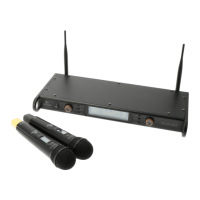
If you intend to operate multiple WMD-24 systems at the same time, it is important to note that the systems
are unlikely to be the only devices using the 2.4 GHz frequency band. In theory, it is possible to link
approximately two to three systems together (for a 4 to 6 microphone set-up) and operate them at the same
time.
However, please note that any nearby devices or equipment that operate using the same or similar
frequency band, as well as the distance between the different transmitters, can dramatically affect the result.
If you do decide to operate more than one system at the same time, then make sure that any equipment or
devices likely to cause signal interference are placed as far away as possible and that the selected channels
of each system are as far apart as possible.
This wireless system can be operated using the following channels and corresponding frequencies:
Channel Frequency 1 Frequency 2 Channal Frequency 1 Frequency 2
1 2406 MHz 2446 MHz 9 2422 MHz 2462 MHz
2 2408 MHz 2448 MHz 10 2424 MHz 2464 MHz
3 2410 MHz 2450 MHz 11 2426 MHz 2466 MHz
4 2412 MHz 2452 MHz 12 2428 MHz 2468 MHz
5 2414 MHz 2454 MHz 13 2430 MHz 2470 MHz
6 2416 MHz 2456 MHz 14 2432 MHz 2472 MHz
7 2418 MHz 2458 MHz 15 2434 MHz 2474 MHz
8 2420 MHz 2460 MHz 16 2404 MHz 2444 MHz
A third-party smartphone app can be downloaded and used to scan for WiFi signals. This will provide an
overview of available WiFi networks, their signal strength, and useful information regarding the transmission
frequency.
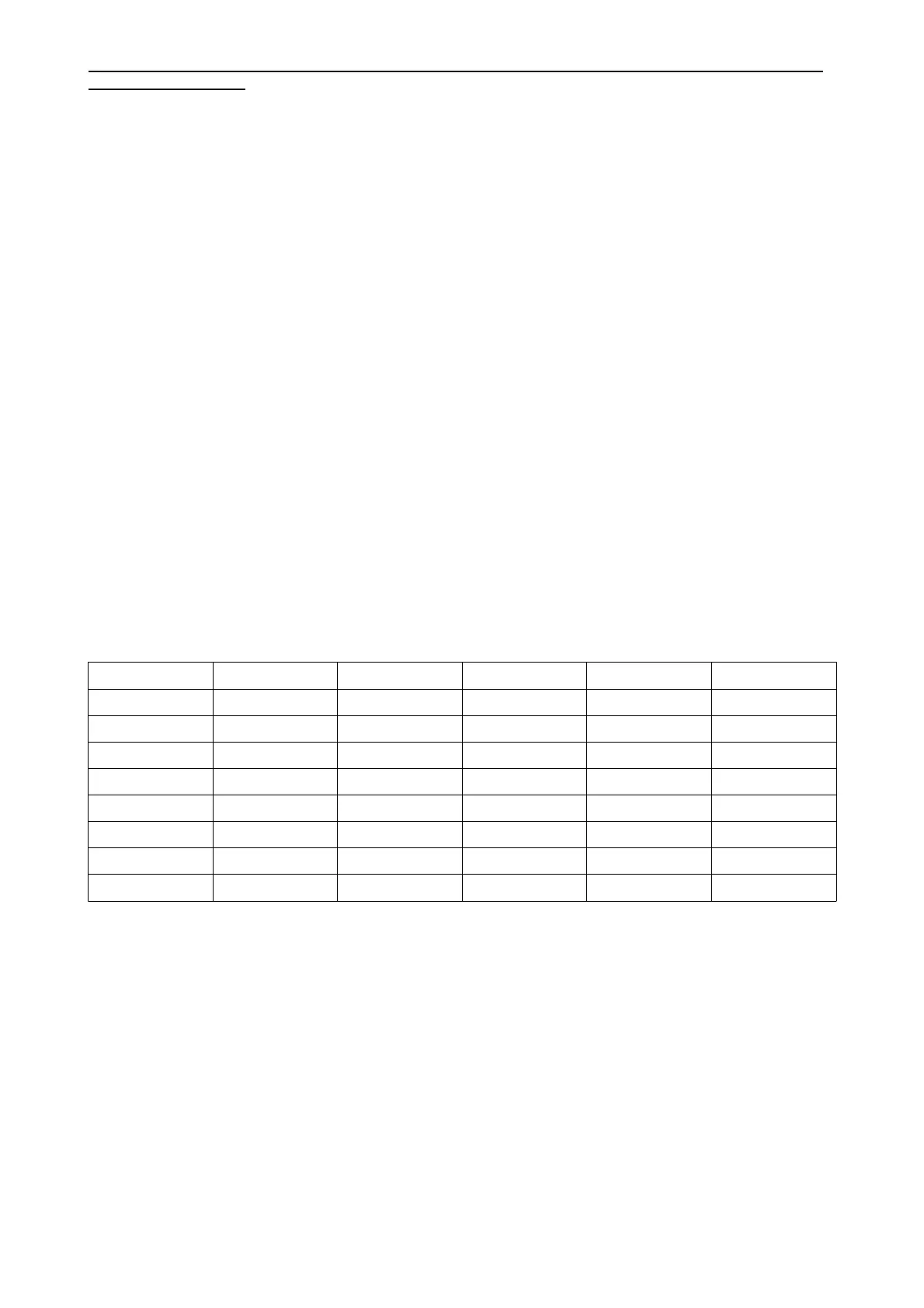
WiFi networks send a signal using the harmonised channels included below, with a 5 MHz interval between
each (except channel 14).
WiFi channels that can have a strong influence over the performance of the WMD-24 channels have
underlined below. However, this does not mean that other strong WiFi signals will not affect the performance
of the WMD-24. The included frequencies are measured at their peaks, which are also present within
adjacent frequencies (but gradually weaken as the signal moves further away from the source).
The information included in this user manual is subject to change at any time and without notification:
Version:
1.0
Date and author initials: 04-08-2020 RV Revision date and author initials: -


 To Next Page
 Loading...