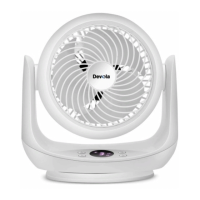
Press to switch the fan on/off.
Press to cycle through the three modes.
Press this button when the fan is in standby mode to select a start up timer. Press this
button when the fan is in operation to select a shutdown timer.
After clicking the timer button, you can set the timer by pressing the + or – button. See timer
options below.
When you have reached your desired shutdown time, wait three seconds for the timer to save. If
the timing display is 0.0h, this indicates that no timer is/will be set.
Use the + or – buttons to set the wind speed/ timer.
Turn the left-right oscillation function on/off.
Remarks:
1. When you plug in the power supply, the fan will enter standby. If the whole machine is not
operated for 24 hours, it will automatically turn off and the fan will continue to run.
2. In normal operation, if there is no operation for 60 seconds, the light indicator will
automatically turn off and the fan will continue to run.
When the screen is off, press the switch button to directly shut down, press other buttons to
restore the display.
Technical Specifications


 To Next Page