Connecting to Wi-Fi
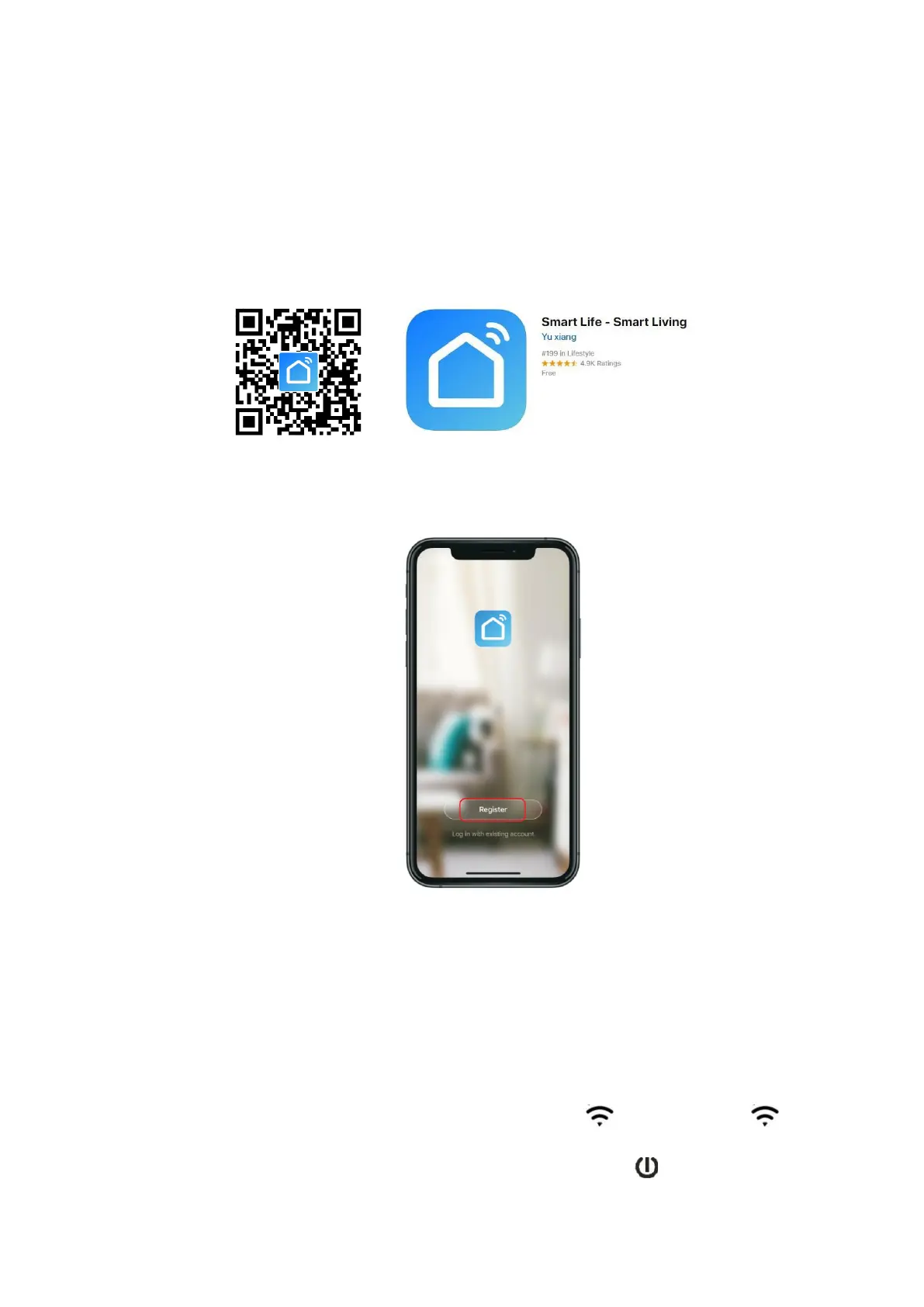
1. To connect your heater to the Wi-Fi, the first step is to download the Smart
Life app onto your smartphone or tablet. You can find the app by scanning the
QR code below or searching “Smart Life” in the Google Play or Apple app
store.
2. Download and install the app. Unless you already have a Smart Life account, you
will need to create an account by tapping Register.
The device will automatically determine your country, although you can change this
if necessary. Enter your phone number or email address. If you enter a phone
number, a verification number will be sent to your phone: enter this number to verify,
then create a password. If you enter your email address, you will need to create a
password.
3. To add your heater to the app, first put the heater in Wi-Fi connection mode. The
heater is in Wi-Fi connection mode when the Wi-Fi icon is flashing. If the
icon is not flashing, go to standby mode and hold down the button for three
seconds.



 To Next Page