Installation 15
devolo dLAN 500 AVpro+
3.3 Functions
The dLAN 500 AVpro+ features 3 control LEDs as well
as a network port and an encryption button:
Power
green: Lit steady when dLAN 500 AVpro+ is ready for
operation; flashes when it is in standby mode.
dLAN
green: The network connection is suitable for HD video
streaming; flashes when data is being transmitted.
orange: The network connection is suitable for SD vid-
eo streaming; flashes when data is being transmitted.
red: The network connection is suitable for simple data
transfer and Internet access; flashes when data is be-
ing transmitted.
Ethernet
green: A 100 Mbps or 10 Mbps connection to the
Ethernet network exists; flashes when data is being
transmitted.
The function of the LED status dis-
play can be deactivated in the
dLAN AVpro manager software.
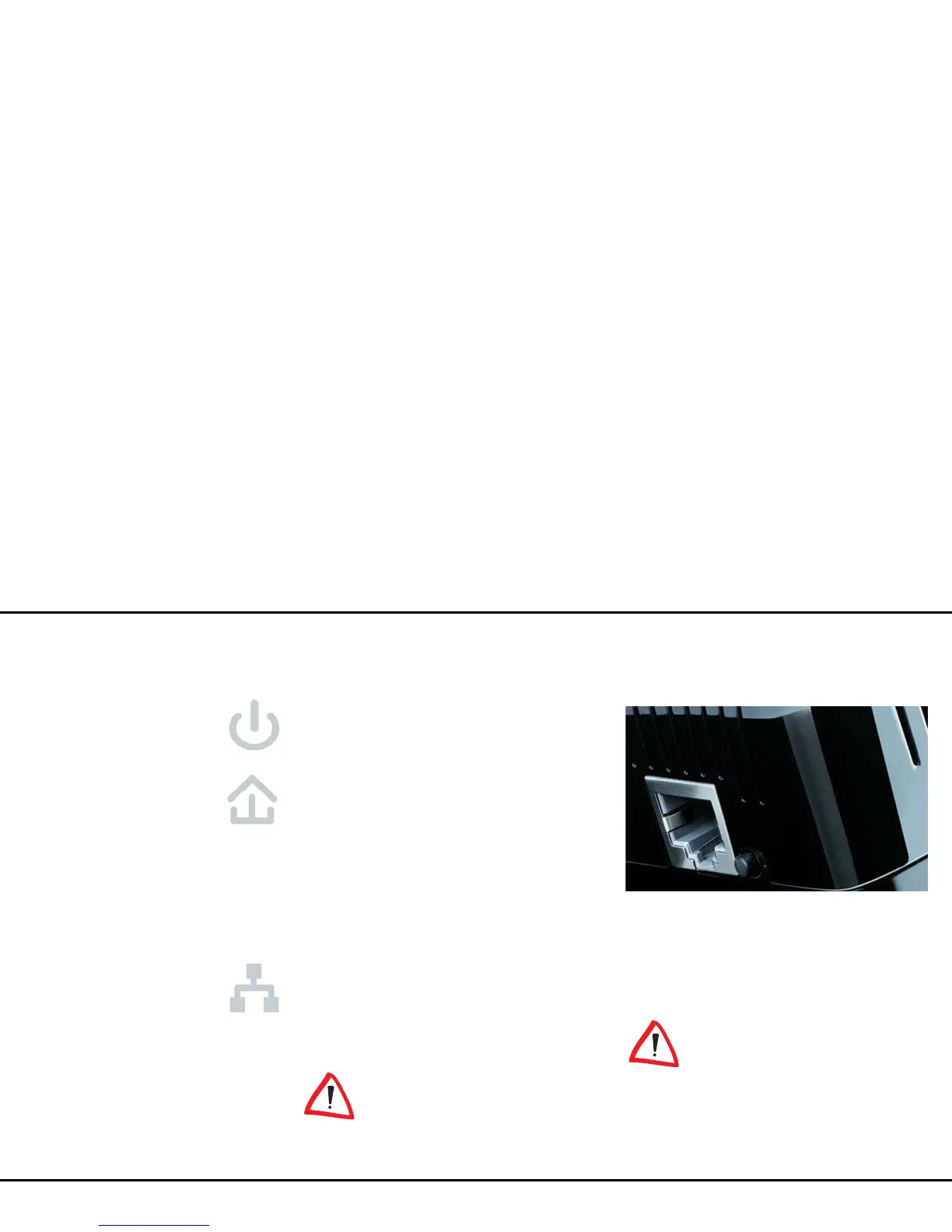
Network connection
This is the connection point on the dLAN 500 AVpro+
for connecting it to a computer or another network de-
vice with the network cable (included) (Fig. 7).
Encryption button
Data encryption at the touch of a button; For more in-
formation on the functions of the encryption button,
please see the chapter 4.2 dLAN network encrypti-
on at the touch of a button.
For safety reasons, you can deacti-
vate the encryption button in the
dLAN AVpro manager software.
Integrated electrical socket
If you connect additional network devices using a mul-
tiple socket, plug this multiple socket into the electrical
socket of the dLAN 500 AVpro+. The integrated mains















 To Next Page