15 Introduction
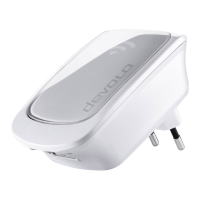
devolo WiFi 5 Repeater 1200
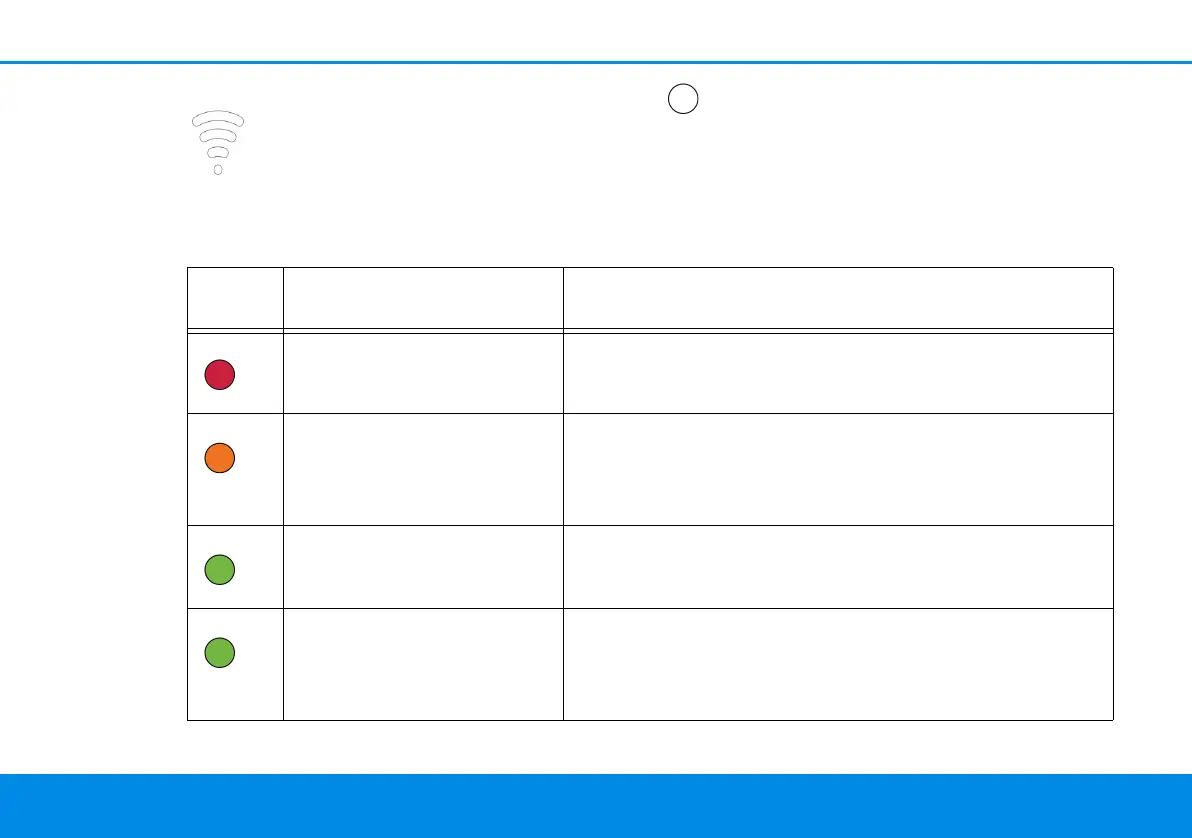
2.1.2Reading the Wi-Fi indicator light
The integrated Wi-Fi indicator light (LED)
features a 4-stage LED display:
The dot of the Wi-Fi symbol indicates the sta-
tus of the adapter through its illuminating
and flashing behaviour.
The signal strength to the router is represented by
the number of Wi-Fi arches.
Illuminating/flashing be-
haviour of the dot
Adapter status
Lighting up red Start-up process
Flashes at intervals of 1sec.
orange
The devolo WiFi 5 Repeater 1200 is in factory default condi-
tion and is ready to operate.
A connection to the router has not (yet) been established.
Flashes at intervals of 1sec.
green
The devolo WiFi 5 Repeater 1200 is in WPS mode for inte-
grating Wi-Fi-capable devices via WPS.
Lighting up green The connection does not have any issues and the
devolo WiFi 5 Repeater 1200 is ready to operate. The con-
nection to the network was established via Wi-Fi or via
Ethernet cable.


 To Next Page