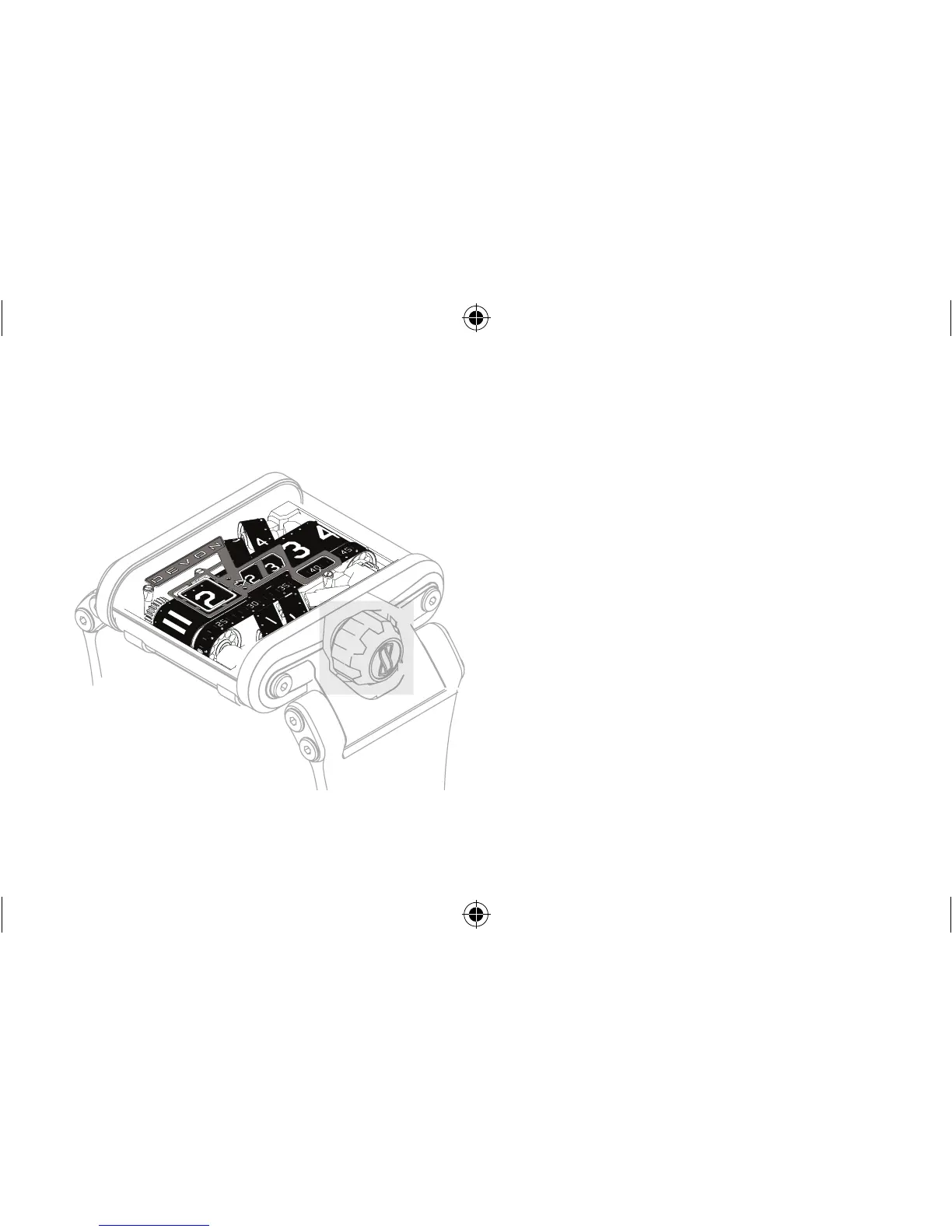
ON / OFF
To turn the Tread 1 ON / OFF:
PUSH crown IN and RELEASE.
If the Tread 1 is entering into ON mode, the Tread 1
will bring the indication belts to the current time.
If the Tread 1 is entering into OFF mode, the Tread
1 will bring the indication belts to the 12:00:00
position and then advance the second belt to indicate
battery reserve. (see Battery Life Indicator).
crown



 To Next Page