To reduce the risk of fire, electric shock or personal injury, please
strictly follow the instructions.
WARNING:
01
Operating Instructions
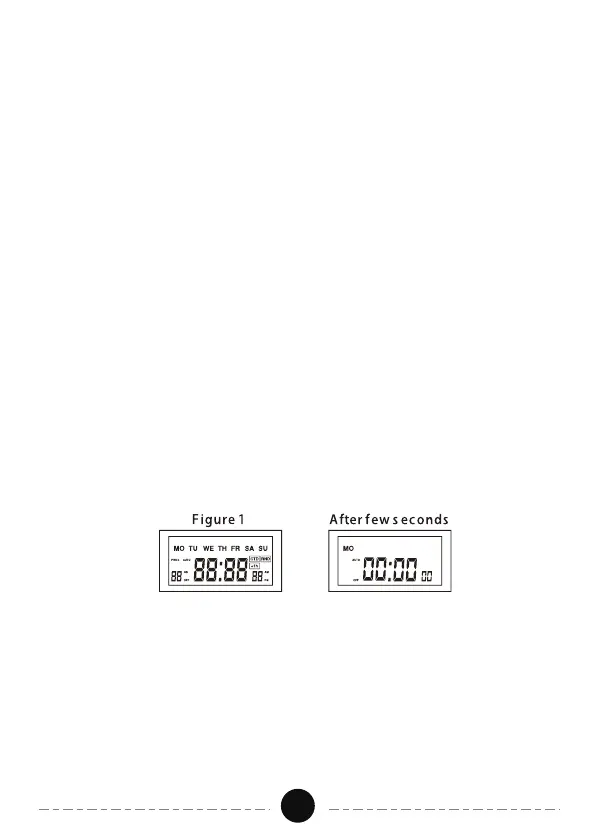
Before programming, all settings should be reset. The reset hole is
identified by “RESET”. Use a paper clip or ball point pen to stick it. See
Figure 1.
1. Reset
Before initial use, plug the timer in for at least 30 minutes to charge the
internal battery. After the screen displays, the unit is ready for programming.
2. Set the Current Time
a. Keep the "CLOCK" button pressed during the entire setting operation.
b. Press the “HOUR” button to set hours.
c. Press the “MINUTE” button to set minutes.
d. Press the “WEEK” button to select the correct day of the week.
e. Release the “CLOCK” button. The time will be set.
1. Do not connect any devices which may exceed the maximum ratings of
this timer.
2. Avoid high humidity, high temperature and high magnetic field.
3. Do not insert needles or any other metal objects into mains outlet.
4. Do not touch the device with wet hands.
5. Do not disassemble or repair the product, but only by authorized service
personnel.
6. Children are not allowed to use the timer outlet without supervision.


 To Next Page