A. Select Zone
B. Set How Long
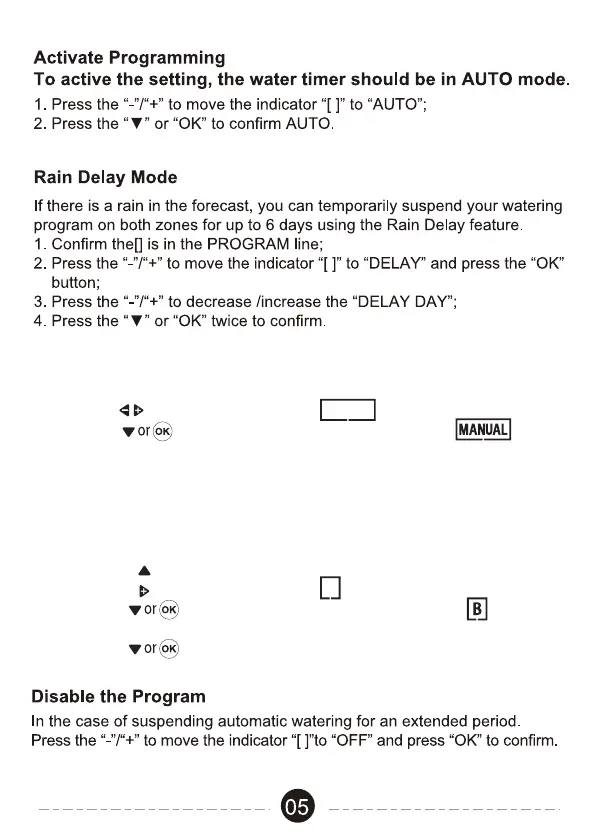
C. Activate Eco Function: simply set up WATER and PAUSE MIN.
Note: you can skip this setting if no need to activate this function
D. Set up zone B
a. Pushing to the “ZONE” setting.
Pushing to move the indicator to “B”.
Pushing to confirm to start setting up zone “B” .
E. Routine the step A B & C to set up rest of zones and then
pushing twice to cofirm completing the manual setting.
Manual Watering
During non-watering time, you may activate this mode to start watering.
1. Pushing to move the indicator to “MANUAL”.
2. Pushing to confirm to start the manual mode .
3. Programming: routine the programming steps as following:



 To Next Page