EasyManua.ls Logo

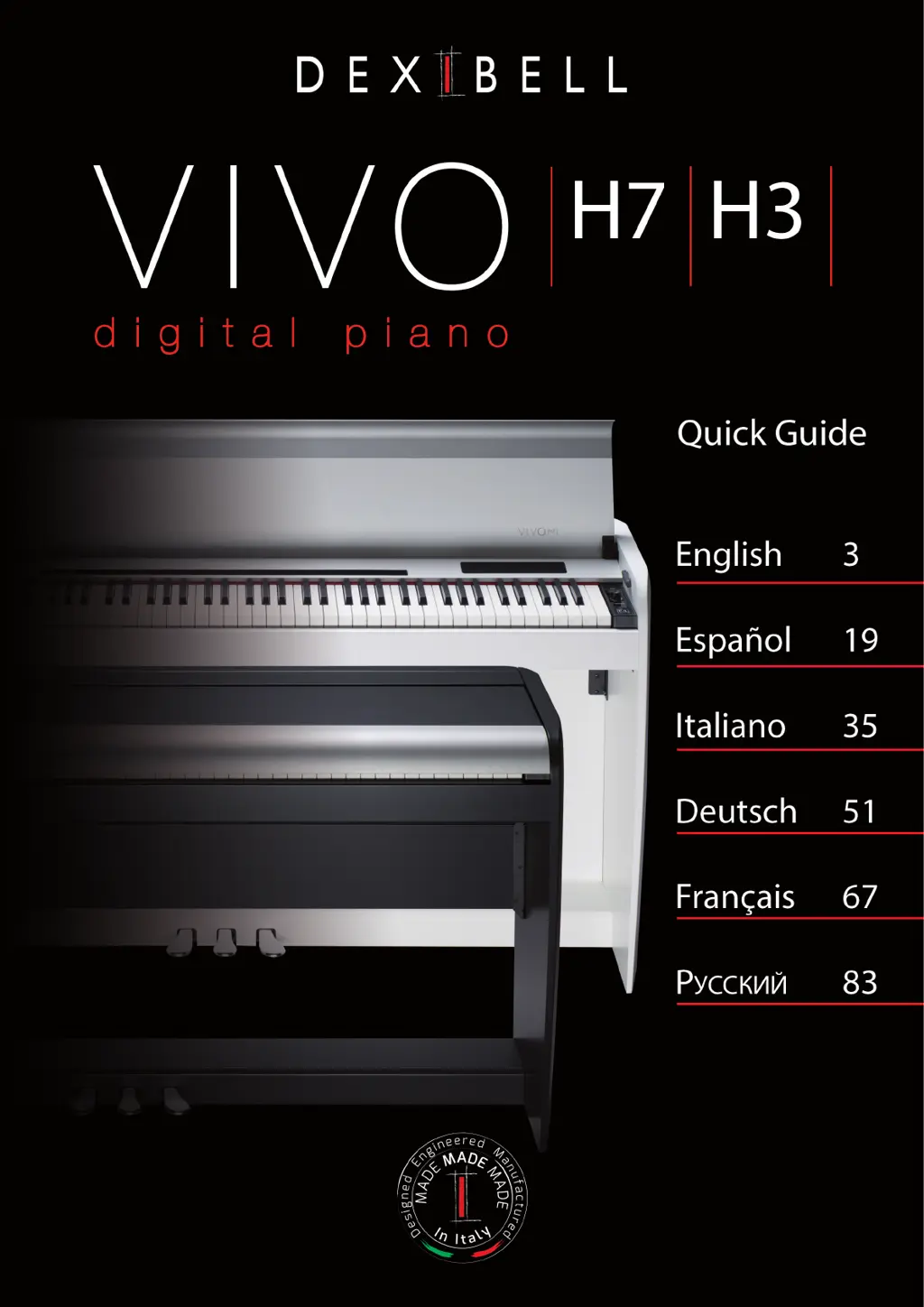
Dexibell VIVO H7 - User Manual

Dexibell VIVO H7
100 pages
Print Icon
To Next Page IconTo Next Page
Loading...

Questions and Answers

  • B
    bstephensAug 20, 2025
    What to do if my Dexibell VIVO H7 Musical Instrument does not turn on?
    • A
      Andre MitchellAug 20, 2025
      First, ensure the AC adapter/power cord is correctly connected to both an AC outlet and the VIVO S7/S3. Use only the included AC adapter or power cord to avoid malfunctions. If the connections are correct, avoid turning the power on immediately after turning it off. Wait at least five seconds before attempting to power it on again.
  • W
    William ThompsonAug 22, 2025
    How to fix no sound on Dexibell VIVO H7 Musical Instrument?
    • L
      Linda ShawAug 22, 2025
      If there is no sound from your VIVO S7/S3, first, ensure that the instrument is switched on. Then, check the [VOLUME] knob and increase the volume setting. Finally, verify that the part volume settings, specifically the “LEVEL” setting of each part, have not been minimized.
  • G
    Gary PalmerAug 25, 2025
    Why does my Dexibell VIVO H7 Musical Instrument power turn off automatically?
    • D
      David HopkinsAug 25, 2025
      The automatic power off is normal behavior caused by the Auto Power Off function. To adjust this, configure the Auto Power Off parameter. To prevent automatic shutdowns, set the “AUTO OFF” setting to “Disable”.
  • D
    Diana RamosAug 26, 2025
    How to fix Dexibell VIVO H7 Musical Instrument when it is unable to read from or write to USB Memory?
    • D
      Daniel LoganAug 26, 2025
      Ensure your USB Memory is formatted as FAT. The VIVO S7/S3 supports USB Memory formatted as FAT. If your USB Memory uses a different format, re-format it as MS-DOS FAT.
  • A
    amandanormanAug 28, 2025
    What to do if the pitch of my Dexibell VIVO H7 Musical Instrument is incorrect?
    • Q
      qshawAug 28, 2025
      If the pitch of your instrument is incorrect, check that the 'Tuning' or 'Temperament' settings are appropriate. Also, verify if the instrument has been transposed. Additionally, ensure that 'Wheel 1' and 'Wheel 2' are in their resting positions.
  • M
    Mr. Daniel FowlerAug 30, 2025
    Why am I hearing a buzz from the external amplifier connected to my Dexibell Musical Instrument?
    • R
      Raymond PruittAug 30, 2025
      A buzz from the external amplifier may occur if it's connected to a different AC power outlet than the VIVO S7/S3. Connect the amplifier to the same AC outlet as the VIVO S7/S3. The noise may also be due to interference from a mobile phone nearby. Turn off the phone or move it further away from the instrument.
  • M
    mary35Sep 1, 2025
    What to do if the volume is insufficient from a device connected to the Dexibell VIVO H7 Musical Instrument INPUT jack?
    • C
      clarkmelissaSep 1, 2025
      If you experience insufficient volume from a device connected to the VIVO S7/S3’s INPUT jack, check the connection cable. Avoid using a cable with a built-in resistor and use a connection cable that does not contain a resistor. Also, check the AUDIO IN Level and select a higher setting if it is too low.
  • J
    jeffery71Sep 3, 2025
    Why is the volume level of my Dexibell VIVO H7 too low when connected to an amplifier?
    • D
      Donna WatsonSep 3, 2025
      If the volume level of your instrument is too low when connected to an amplifier, ensure that you are not using a connection cable that contains a resistor; use a cable without one. Also, check the volume of the external amplifier and increase it if necessary.
  • P
    Patricia CollinsSep 5, 2025
    What to do if I can’t save to USB Memory on my Dexibell VIVO H7 Musical Instrument?
    • W
      William WoodsSep 5, 2025
      If you cannot save to USB Memory, verify that the USB Memory is not write-protected. Also, ensure that there is sufficient free space available on the USB Memory.
  • V
    vwilliamsSep 7, 2025
    What to do if Dexibell VIVO H7 doesn’t receive MIDI messages after connecting to computer?
    • L
      lisasantiagoSep 7, 2025
      If the VIVO S7/S3 doesn’t receive MIDI messages after connecting to your computer, the VIVO S7/S3 may be receiving on a MIDI channel on which the MIDI controller doesn’t transmit. Correct the MIDI controller’s transmit channel.

Dexibell VIVO H7 Specifications

General IconGeneral
BrandDexibell
ModelVIVO H7
CategoryMusical Instrument
LanguageEnglish

Related product manuals