60
EN
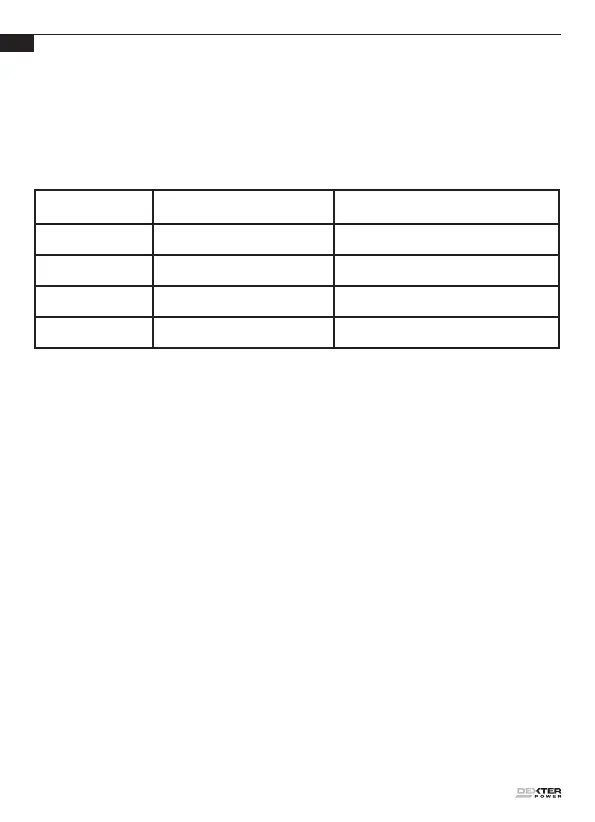
battery packs. Indicator lights indicate problems (see table below). If this
occurs, insert a new battery pack to determine if the charger is OK. If
the new battery charges correctly, then the original pack is defective and
should be returned to a service center or recycling service center. If the
new battery pack displays the same problem as the original Battery Pack,
have the charger tested at an authorized service center.
Light ON/OFF ash Status
Red on
________
Charging
Red ash
_ _ _ _
Defective Battery
Green on
________
Fully Charged
Green ash
_ _ _ _
Hot/Cold Delay
MAINTENANCE
Always disconnect the charger before performing any maintenance
operation.
Your charger requires no additional maintenance.
There are no user serviceable parts in your charger. Never use water
or chemical cleaners to clean your charger. Wipe clean with a dry cloth.
Always store your charger in a dry place. Keep ventilation slots clean.
Keep all parts free of dust.
TROUBLESHOOTING GUIDE –
PROBLEMS AND SOLUTIONS
1. I CANNOT FIT THE BATTERY INTO THE BATTERY CHARGER.
WHY?
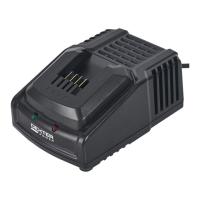
1) Check if the charger and the battery pack are specically designed for
working together.


 To Next Page