5
Each variation set has its own preset space : so you have 4 available presets
when using the primary variation set, and another 4 presets when using the secon-
dary variation set.
T . L . A H
2
. H
3
. H
4
Preset 1 Preset 1
Preset 2 Preset 2
Preset 3 Preset 3
Preset 4 Preset 4
For example, you can have preset arrangement like this :
T . L . A H
2
. H
3
. H
4
Standard (slow mod) H
2
(pattern I)
Standard (medium mod) Standard
Tape H
3
(pattern I)
Lo-Fi H
4
(pattern II)
Let’s say the current sound is Standard (slow modulaton), to switch to the H4
(patternII) sound do the following :
1. Switch to Secondary variation set.
2. Select preset location 4.
3. Confirm the selection.
Preset location 1 -
Preset location 2 -
Preset location 3 -
Preset location 4 -
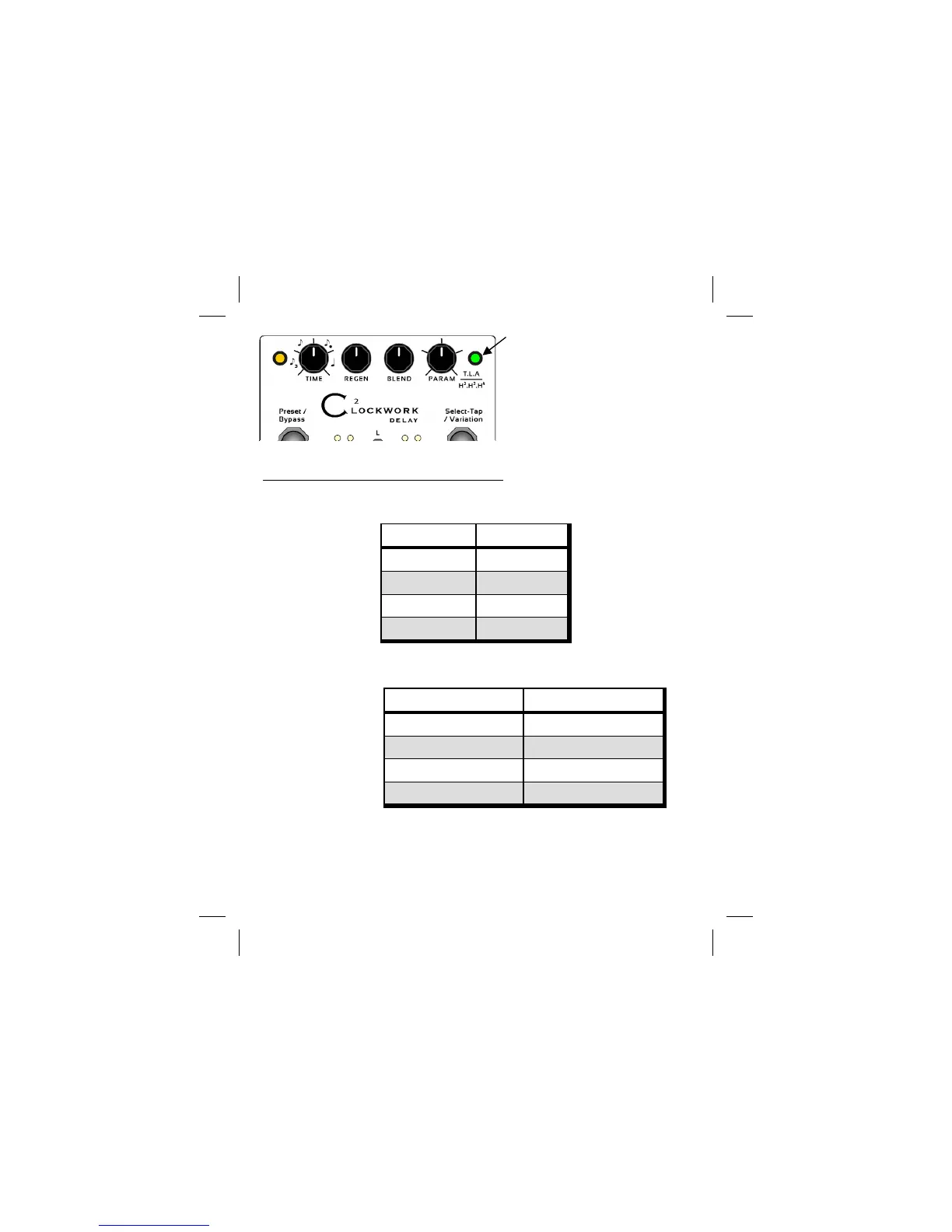
VariationLED
Off:Standarddelaymode.
Green:Primaryvariationset
(Tape,Lo‐Fi,Ambient)
Red:Secondaryvariationset
(H2,H3,H4)



 To Next Page