7
holder when closing.)
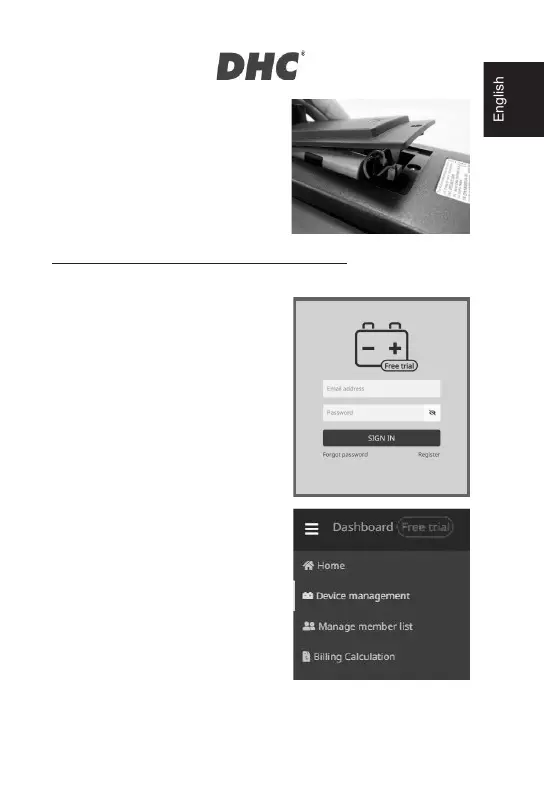
6. Tighten the srew of the battery cover.
*18650 lithium batteries are not
included in the package.
mybatteryexpert.com (DHC CLOUD SERVICE)
z REGISTER AN ACCOUNT
1. Go to mybatteryexpert.com
2. Click on the “Register” link.
3. Enter your email address and
password, then click “SUBMIT”.
4. Go to your email inbox to complete
account validation.
5. Once completed, you can now start
using mybatteryexpert.com
z LINKING A DEVICE TO YOUR
ACCOUNT
1. Sign into mybatteryexpert.com
2. Expand the menu bar on the top
right corner.
3. Click on “Device management”.
4. Click on “ADD A DEVICE”.
5. Select how would you like to
register y
6. our device, either through scanning
1D/2D barcode or input the
registration code manually.
7. Once completed, you will be able to see the device in the device table.


 To Next Page