DI-GPS® IS A REGISTERED TRADEMARK OR A TRADEMARK OF DAWN TECHNOLOGY LIMITED.
NIKON D5, D4, D4S, D3, D3S, D3X, D500,D810A, D810, D800, D800E, D700, D300, D300S, D2XS, D2X, D2HS,
D200 D5600, D3400, D7200, D5500, D3300, DF, D5300, D610, D600, D750, D7100, D7000, D5100, D5000, D3200,
D3100, D90 ARE REGISTERED TRADEMARK OR A TRADEMARK OF NIKON CORPORATION IN THE UNITED
STATES AND/OR OTHER COUNTRIES.
FUJIFILM AND S5 PRO ARE REGISTERED TRADEMARK OR A TRADEMARK OF FUJIFILM U.S.A., INC. IN THE
UNITED STATES AND/OR OTHER COUNTRIES.
V1.2
6
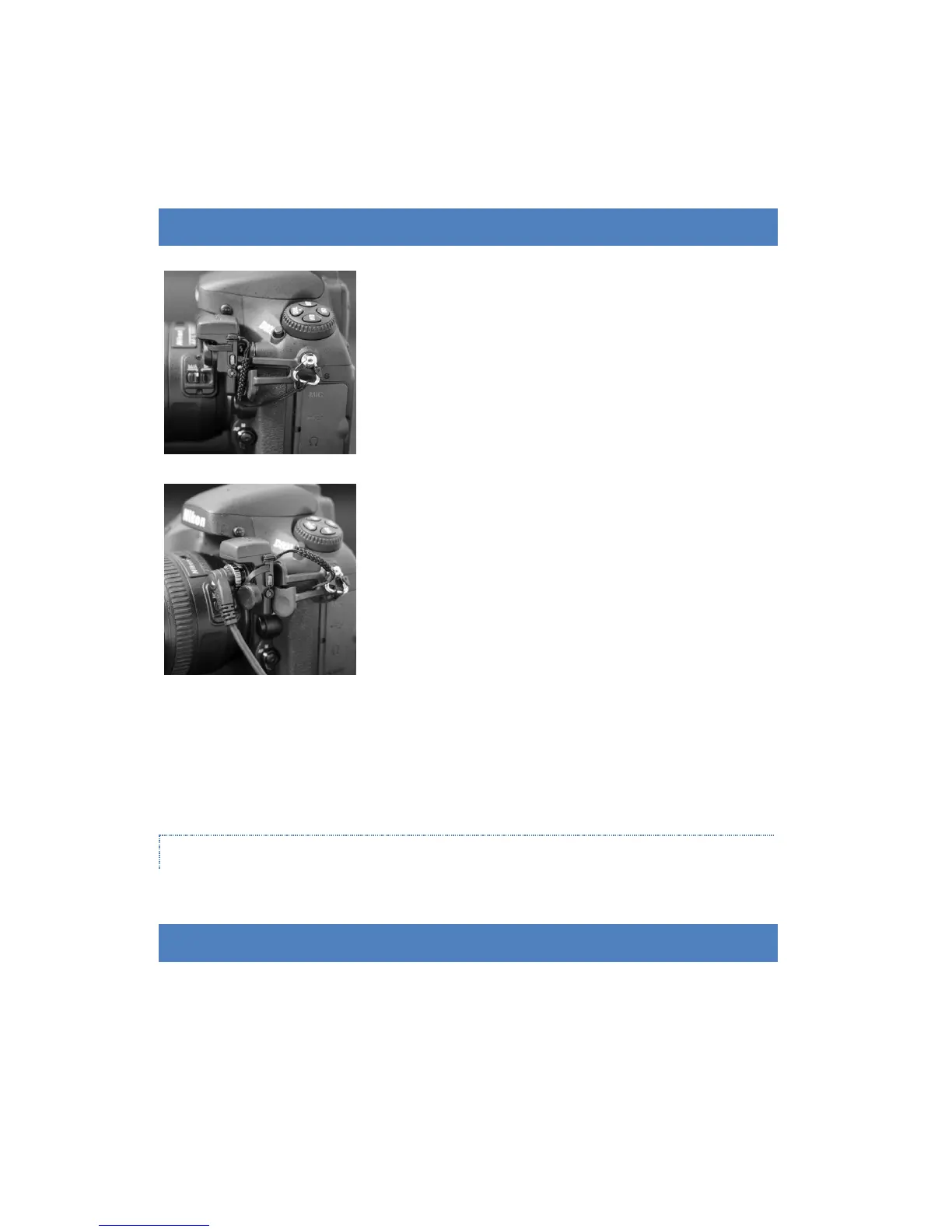
CONNECTING ECO PF-2 GPS AND REMOTE CONTROL SOCKET
Attach the strip to the eyelet of the camera.
Insert the ECO PF-2 GPS to the 10-pin remote terminal of the
DSLR camera body.
Tighten the locking nut.
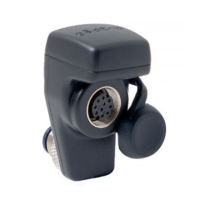
An optional Nikon remote control accessories (MC-30, MC-36)
can be connected to the 10-pin remote terminal of the ECO
PF2 GPS for remote shutter release.
Remove the 10-pin remote terminal cover before using
the Nikon remote control accessories.
NOTE
ECO PF-2 GPS cannot be turned on when it is not connected to the camera.
Please refer to the user manual of your DSLR for more information on taking photograph with a GPS receiver.



 To Next Page