Logging into the Device Management website
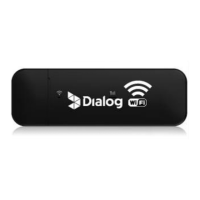
1. Make sure the end-user device is connected to the Wingle.
2. Open the browser, enter http://192.168.0.1 in the address box.
3. Enter the password, and click “login”. The administrator has the right to check and
modify configuration permission.
Note:
The default User Name and Password is admin.


 To Next Page