5. CH DEL. /ADD. If “ DEL” the channel will be masked.
6. MANU SCAN for search TV Program channel by channel.
After scan a new program, press MENU key, it will be automatically saved
in the last channel.
7. CH SWAP save the location of current channel and destination channel
for each other
8. View Mode : Includes 3 modes: Press repeatedly to select
4:3 /16:9 / non-Linear.
9. Reset is set up to default value of BLUE SCREEN and LANGUAGE .
PC Adjust
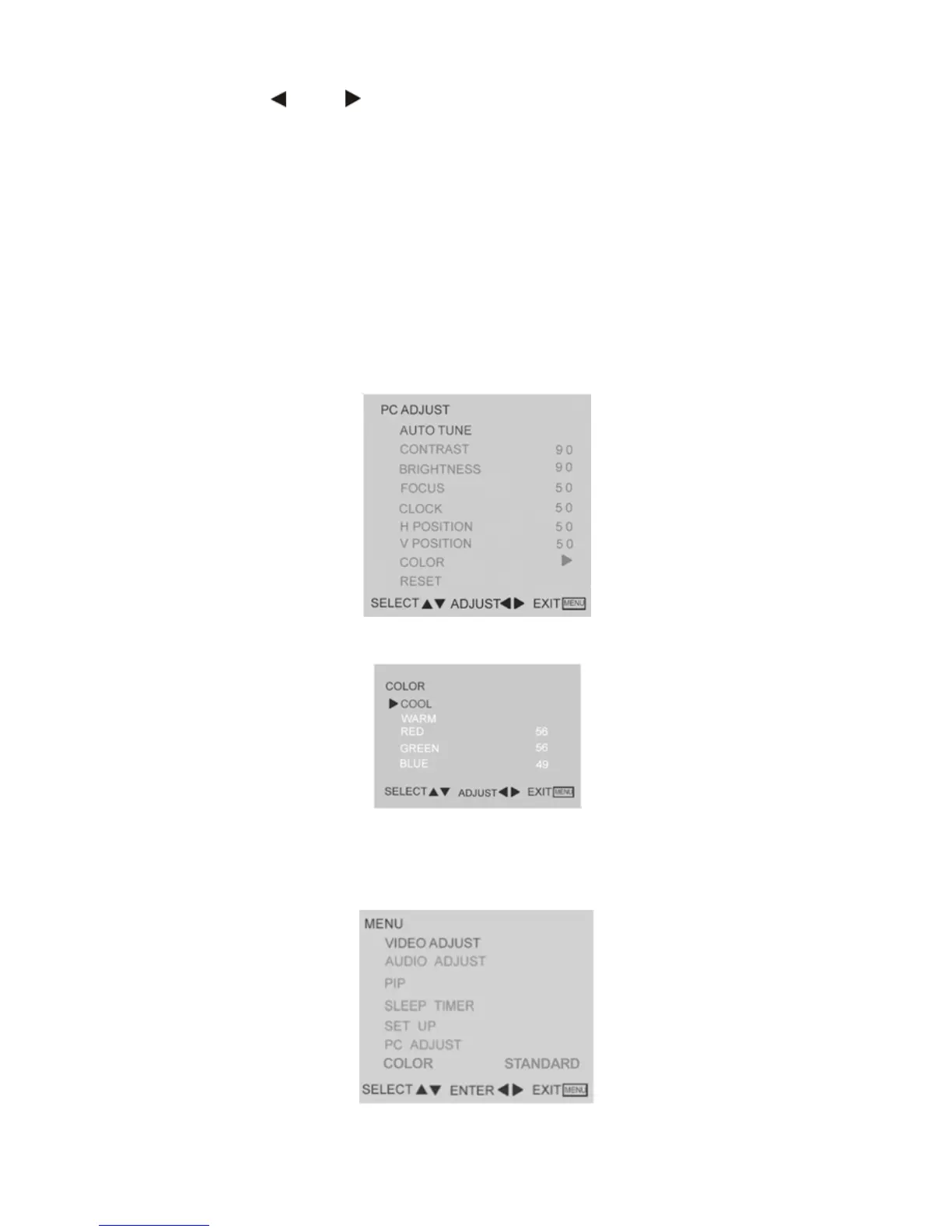
1. Auto tune is the function auto-sizing for VGA input.
2. Contrast, Brightness, Focus, Clock, H Position, V Position and
Colour are the functions for PC adjustment.
Colour for you can adjust the colour temperature you prefer.
TV and AV colour temperature adjust:
User can select 3 kinds of colour mode on TV or AV to get more suitable
picture which they wished, 3 kinds of mode are cool/warm/standard.
10



 To Next Page