15
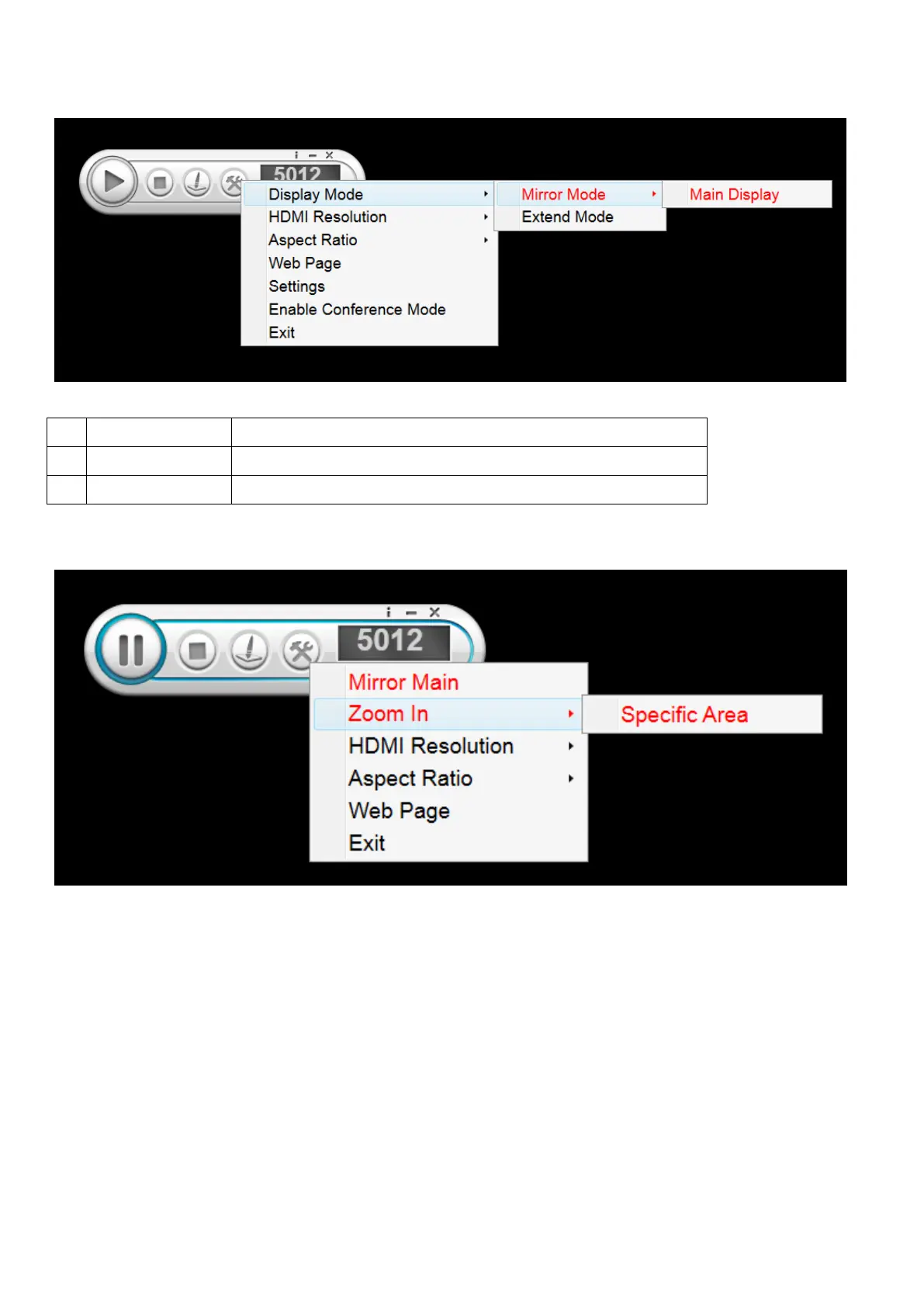
Mirror NB/PC display to the Rx monitor.
Mirror your extend display to the Rx monitor.
(2) Zoom In (This function only can be used when “Main Display” running)
You can decide the region you want to zoom in and display to the monitor.
Step1. Choose Zoom In→Select a Specific Area
Step2. Now you can decide the region you want to display to the monitor. (You can slide the frame
and also adjust its size.) When finished, double click the right mouse button.



 To Next Page